Page numbers and headers removed
Bare page numbers such as “212” or “Page 212 of 300” are dropped, and so are running headers and footers like the book title on every page. Chapter headings always stay.
PDF to audiobook converter
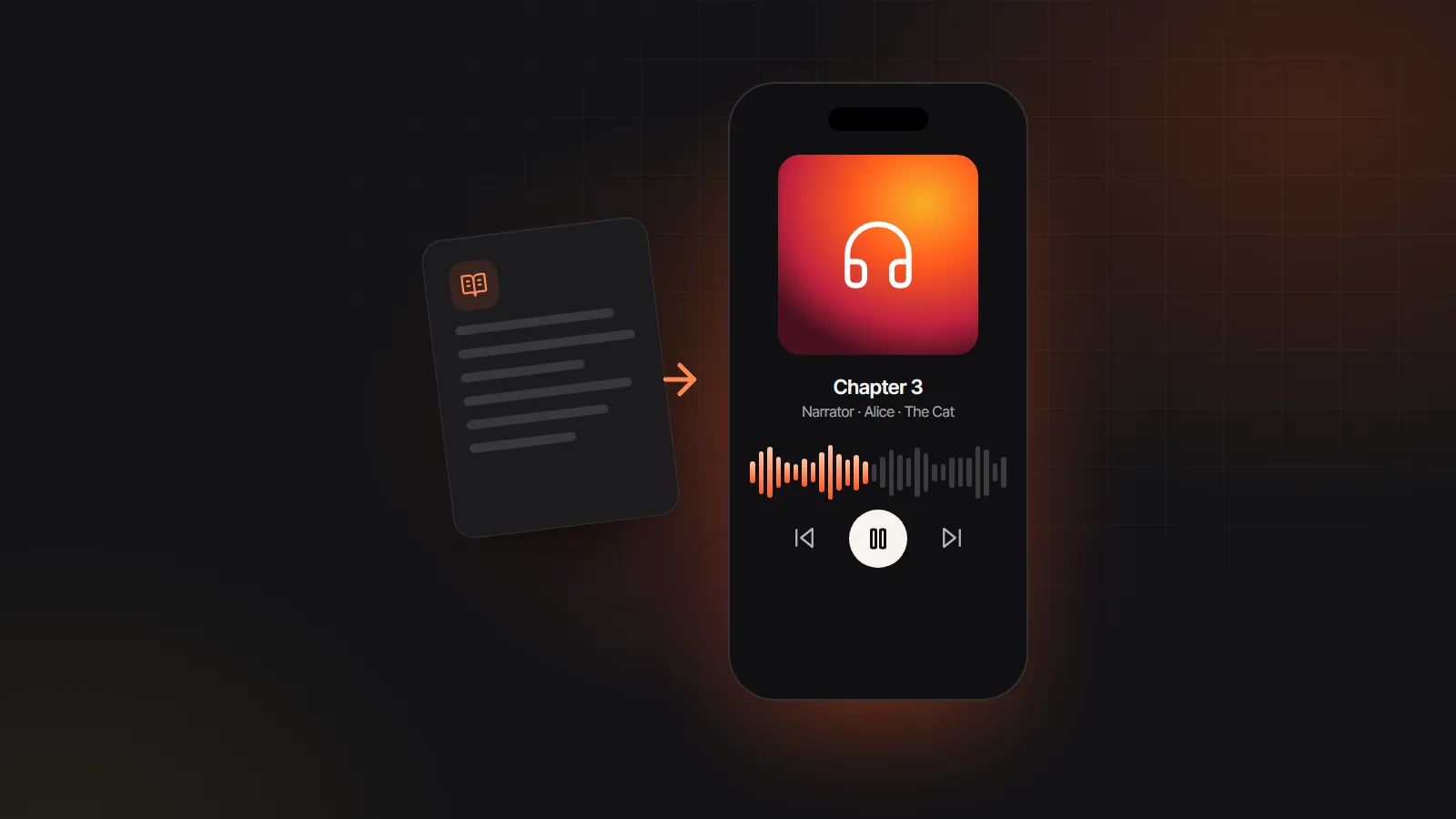
Upload a text-based PDF and the PDF to audiobook converter clears out page numbers and running headers, rejoins broken lines into paragraphs and splits the book at its chapter headings. A narrator and a separate AI voice for each speaking character read it back, ready to export as M4B or MP3.
PDF files · also EPUB, DOCX, TXT, MD · up to 30 MB
Read in your browser. Nothing is uploaded until you generate
Every PDF to audiobook conversion runs in a browser tab. You see the chapter list and the cast before any credits are used.
Open the PDF and try to select a sentence or search for a word. If the text highlights, the file converts. If nothing highlights, the pages are images.
Drop the PDF onto the uploader above. Files up to 30 MB are parsed on your device, and nothing leaves it until you generate audio.
Lines such as “Chapter 7” or “Part Two” start new chapters. Every speaking character is listed with a suggested voice you can change.
Generate one chapter as a test, then the rest. Download an M4B with chapter markers, one MP3 per chapter, or a ZIP of the whole book.
A PDF records where words sit on a printed page, not how a story flows. The PDF to audiobook converter rebuilds the flow before a single line is spoken.
Bare page numbers such as “212” or “Page 212 of 300” are dropped, and so are running headers and footers like the book title on every page. Chapter headings always stay.
Text stored line by line is joined back into paragraphs, and words hyphenated across a line break are mended.
Lines that open with Chapter, Part or Book become breaks, so each chapter plays as its own track with its own marker.
The title and author saved in the PDF properties carry through to the M4B tags. When they are blank, the file name is used.
Quoted speech is matched to its tag, such as “said Mara”, so each line goes to the right character instead of the narrator.
Your browser opens the PDF. Only the lines you generate reach the speech model, and the text is never used to train AI models.
A good PDF audiobook depends on whether the words exist as text inside the file. A quick check saves a failed upload.
 Same cast in every book
Most read aloud buttons treat a PDF as one long block for one voice. This PDF to audiobook tool first splits every paragraph into narration and dialogue. The narrator reads the prose, and each quoted line goes to the character named in its tag, so an argument between two people actually sounds like two people.
Up to ten named characters get their own voice, and minor speakers share an “Other voices” role. Swap any voice from the 137 AI voices for audiobooks, and add a direction such as [quietly, close to tears] to any line that needs more than a neutral read.
Estimates assume a trade paperback page of about 280 words, a narration pace of 155 words per minute and standard voices.
| PDF pages | Words | Finished audio | Standard voice cost |
|---|---|---|---|
| 50 | About 14,000 | About 1.5 hours | $14 to $18 |
| 100 | About 28,000 | About 3 hours | $27 to $36 |
| 200 | About 56,000 | About 6 hours | $54 to $72 |
| 300 | About 84,000 | About 9 hours | $81 to $108 |
| 400 | About 112,000 | About 12 hours | $108 to $144 |
Large print and textbook pages hold very different word counts. Enter your own numbers in the audiobook length calculator.
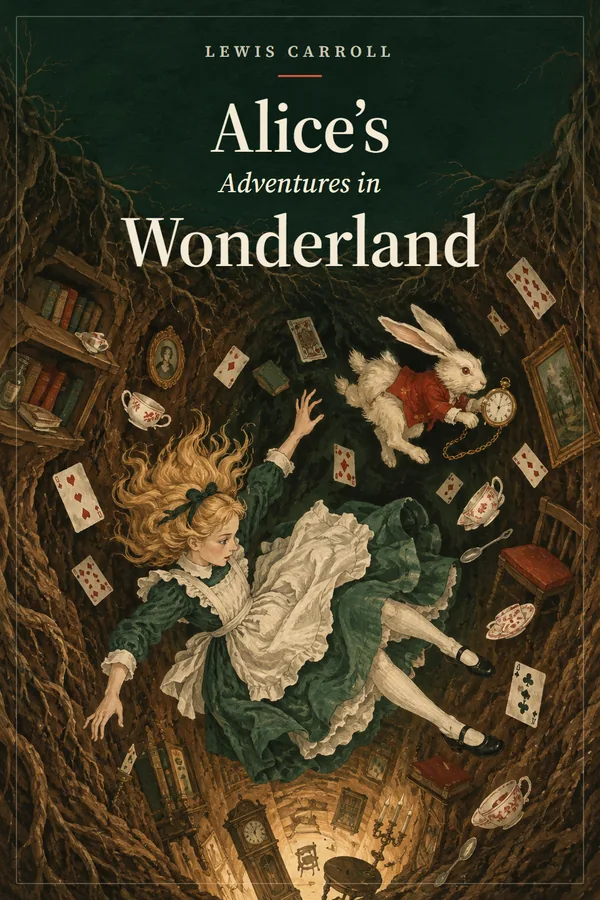
These samples were made the same way your PDF audiobook will be: text in, narrator and character voices out.

Full-cast AI audiobook

Transcript
Playlist
Start from the source file when you have it. If you wrote the book, the DOCX or EPUB the PDF came from still knows where each chapter begins, so it converts more cleanly. Upload that through Word to audiobook and keep the PDF to audiobook converter for files whose source is gone.
Scanned pages need OCR elsewhere first. The converter reads the text layer only. Run a scan through an OCR app you trust, proofread the result (OCR tends to garble names and drop italics), then upload the corrected text PDF or paste the text.
Watch for footnotes. Page numbers and running headers or footers, such as a title or author name repeated on page after page, are removed for you. Notes set at the foot of a page are part of the page text, though, so they are read where they fall. Export a copy without notes, or cut them before upload.
Reports and papers rather than books? If you want plain audio files for listening on the go, with no chapter markers or character casting needed, the PDF to MP3 page covers that use, including which voice model keeps long documents affordable.
Publishing the result. You own audio made from text you hold the rights to. Audible’s ACX does not take author-uploaded AI narration at the time of writing, and Google Play Books and Kobo each have their own program for digitally narrated titles. Check each store’s current policy first.
Not directly. Scanned pages are pictures of text, and there is no OCR yet, so the converter finds nothing to read. Run the scan through an OCR app first, proofread the names, then upload the text PDF or paste the corrected text. A PDF to audiobook conversion needs a selectable text layer.
Open it in any PDF viewer and drag across a sentence, or press Ctrl+F (Cmd+F on a Mac) and search for a word you can see. If the words highlight or the search finds them, the layer is there. If the whole page highlights as one block, it is an image.
Chapters are split at lines that begin with Chapter, Part or Book. If your headings are bare numbers or decorative titles, no breaks are found, and long text is cut into parts of about 4,000 words instead. Add “Chapter 1” style headings in the source, or upload the DOCX version.
No. A PDF that asks for a password cannot be opened in the browser. If it is your own file, remove the password in the app that created it and upload that copy. DRM-locked store purchases are not supported either.
Reading the PDF takes seconds, even for a long book, because it happens in your browser. Generating audio takes a few minutes per chapter, so a full novel is usually ready within a few hours, and you can listen to chapters as they finish.
Yes. Uploading, chapter detection and casting cost nothing in the free AI audiobook generator, and a Google sign-up comes with 100 gift credits (valid for 7 days, about 12 minutes on Standard; usage varies by text and voice tier) to generate a short sample with no card needed. A whole book uses credits, about $9 to $12 per finished hour with standard voices, so a typical novel lands around $80 to $110.

Start your PDF to audiobook conversion with a short sample using gift credits, no card needed.