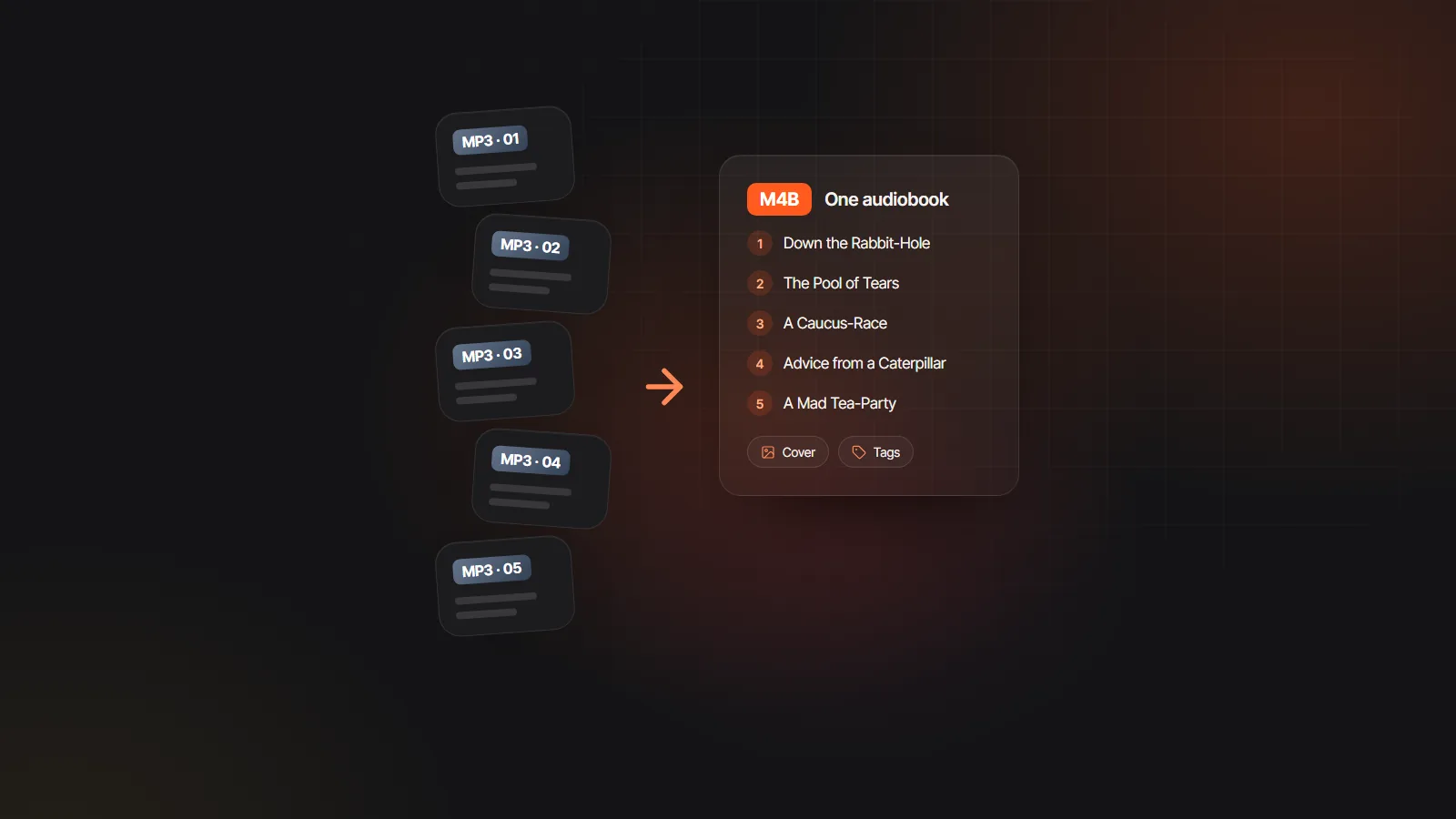
Chapter names already known
The contents list or your Heading 1 and Heading 2 styles name every chapter, so the menu matches the book.
M4B audiobook maker
This M4B audiobook maker builds the file from your manuscript, not from audio you already recorded. Upload an EPUB, Word file, PDF or text file, let the studio cast an AI voice for the narrator and every character, and download a single .m4b with a named marker at each chapter plus the title, author and cover tags players read.
EPUB, PDF, DOCX, TXT or MD · up to 30 MB
Read in your browser. Nothing is uploaded until you generate
To create M4B audiobook files that feel finished, start with the structure: the chapter list you approve at the start is the menu your listeners get at the end.
EPUB, DOCX, text-based PDF, TXT or Markdown up to 30 MB. Parsing happens in your browser, so nothing is sent until you generate.
Chapters come from the table of contents or your headings. These titles become the marker names inside the M4B, so check that they read well.
Cast the voices, generate chapter one and listen. Then generate the rest, or a few chapters at a time if you want to test the file early.
Choose “Book as M4B with chapters” and the M4B audiobook maker encodes each chapter as AAC, joins them in order and writes the markers and tags, all in your browser.
An M4B is an MP4 audio file with extra parts that audiobook apps understand. This is what the M4B audiobook maker writes into each one.
| Part of the file | Where it comes from | What the listener sees |
|---|---|---|
| Audio track | Every finished chapter, encoded as AAC and joined in order | One continuous book that resumes where they stopped |
| Chapter markers | Your chapter list, timed from each chapter’s audio | A chapter menu with your own titles |
| Title and album tags | The book title from the file or the project | The name in the library and on the lock screen |
| Artist tags | The author name | The author line under the title |
| Cover art | The cover embedded in an EPUB, or a JPG or PNG you add in the studio | Artwork in the player and on the lock screen |
| Genre tag | Set to Audiobook | Many apps file it with audiobooks, not music |
Already recorded the chapters yourself? The free MP3 to M4B converter writes the same kind of file from your audio, with your own JPG or PNG cover. For a book that started as DOCX, PDF or text, click the cover in the studio to add a JPG or PNG before you export.
The Velveteen Rabbit.m4b
6 chapters · 41 min · chapter markers
Line 48 regenerated, the rest of chapter 3 kept as is
A chapter marker is a timestamp plus a title. Because this M4B audiobook creator starts from the text, it already knows where every chapter begins and what it is called, so you never type timestamps or rename “Track 07”. Each marker starts exactly where the previous chapter’s audio ends.
Players use those markers for the chapter menu, the skip buttons and the progress bar, and audiobook apps remember the listener’s position inside the file. That is the difference between an M4B audiobook and a folder of MP3 files: one tidy item in the library that behaves like a bought audiobook.
Starting from the manuscript removes the slowest parts of building an M4B audiobook by hand.
The contents list or your Heading 1 and Heading 2 styles name every chapter, so the menu matches the book.
A narrator and up to ten named characters, each with their own voice, all play back from a single M4B.
Regenerate one mispronounced line, export again and the new M4B carries the fix. No audio editor is involved.
Only finished chapters are included, so you can build an M4B after chapter one and try it on your own phone.
Need separate files for a store or a podcast host? Export one MP3 per chapter or a ZIP with a chapter list.
The encoder runs in your browser after a one-time download of about 31 MB, so the finished file never passes through a server.
Five quick checks in the M4B maker save you from rebuilding the file after it is already on someone’s phone.
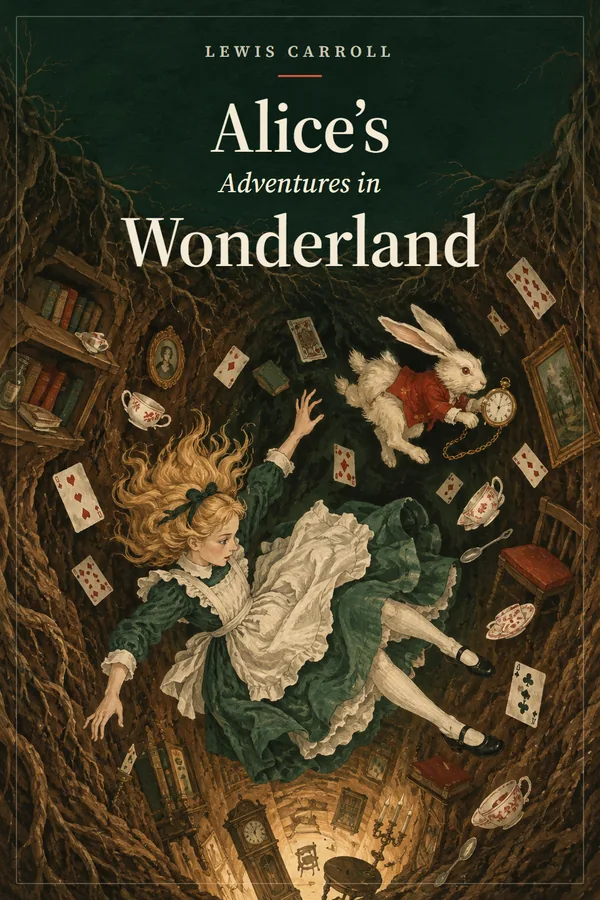
These samples were made in the same studio that builds the M4B file. Play one to judge the voices, the pacing and the cast.

Full-cast AI audiobook



Transcript
Playlist
Why M4B instead of one long MP3. A single MP3 has no chapter menu and most players forget your place in it. An M4B audiobook stores chapter markers; compatible players save your position and bookmarks, and AAC audio stays clear for speech at a low bitrate. For the full comparison, read M4B vs MP3.
How big the file gets. The audiobook generator encodes speech at 64 kbps AAC, which is about 29 MB per hour of audio. A 9 hour novel comes out near 260 MB, small enough to copy to a phone, share through a cloud folder or upload to an Audiobookshelf server.
Where it plays. Apple Books, BookPlayer, Smart AudioBook Player and Audiobookshelf all read the chapter markers. Desktop media players usually play the audio, though chapter menus vary by app. The guide on how to play M4B files covers each device.
What it costs. Credits are spent when audio is generated, charged per 1,000 characters, roughly $9 to $12 per finished hour with Standard voices. Building the M4B audiobook itself costs nothing extra, and you can export it as often as you like. Run your word count through the audiobook length calculator to see the hours first.
Publishing the file. Some stores and distributors ask for one MP3 per chapter rather than an M4B, so check their current upload specs before you send anything. The MP3 and ZIP exports come from the same audio, so one generation covers both.
Yes, for a short sample. Uploading, chapter detection and casting are free, new accounts created with Google get 100 gift credits, valid for 7 days, to try a short sample, and the M4B export itself uses no credits. A full book needs credits from a plan.
From the book: the EPUB table of contents, the Heading 1 and Heading 2 styles in a Word file, or chapter lines in a text file. If a name is wrong, fix the heading in your source file before you upload it.
Yes. On Android, use an audiobook app such as Smart AudioBook Player or the Audiobookshelf app. On Windows, most media players open M4B audio, though only some show the chapter menu. Apple devices play it in Apple Books.
That chapter mixes audio from different voice models, which cannot be stitched into one chapter file. Regenerate the chapter on a single model and the M4B audiobook maker will include it. MP3 and ZIP exports still work in the meantime.
Yes, with the free MP3 to M4B converter. Drop in one file per chapter, set the order, titles and cover, and it builds a chaptered M4B in your browser without uploading the audio.
It can, but most people make M4B audiobook files one per book, which is easier for listeners and stores. Keep the same cast across the series instead, so every book in the set shares its narrator and character voices.

Upload the book, generate a short sample free and download a chaptered M4B you can play tonight.