What sets an M4B apart from an MP3
An M4B is an MPEG-4 audio file, the same container as M4A, holding AAC audio. The “b” stands for book. It tells players to treat the file as an audiobook: remember where the listener stopped, show the chapter list and keep the file out of the music shuffle. For the full anatomy of the format, see what is an M4B file.
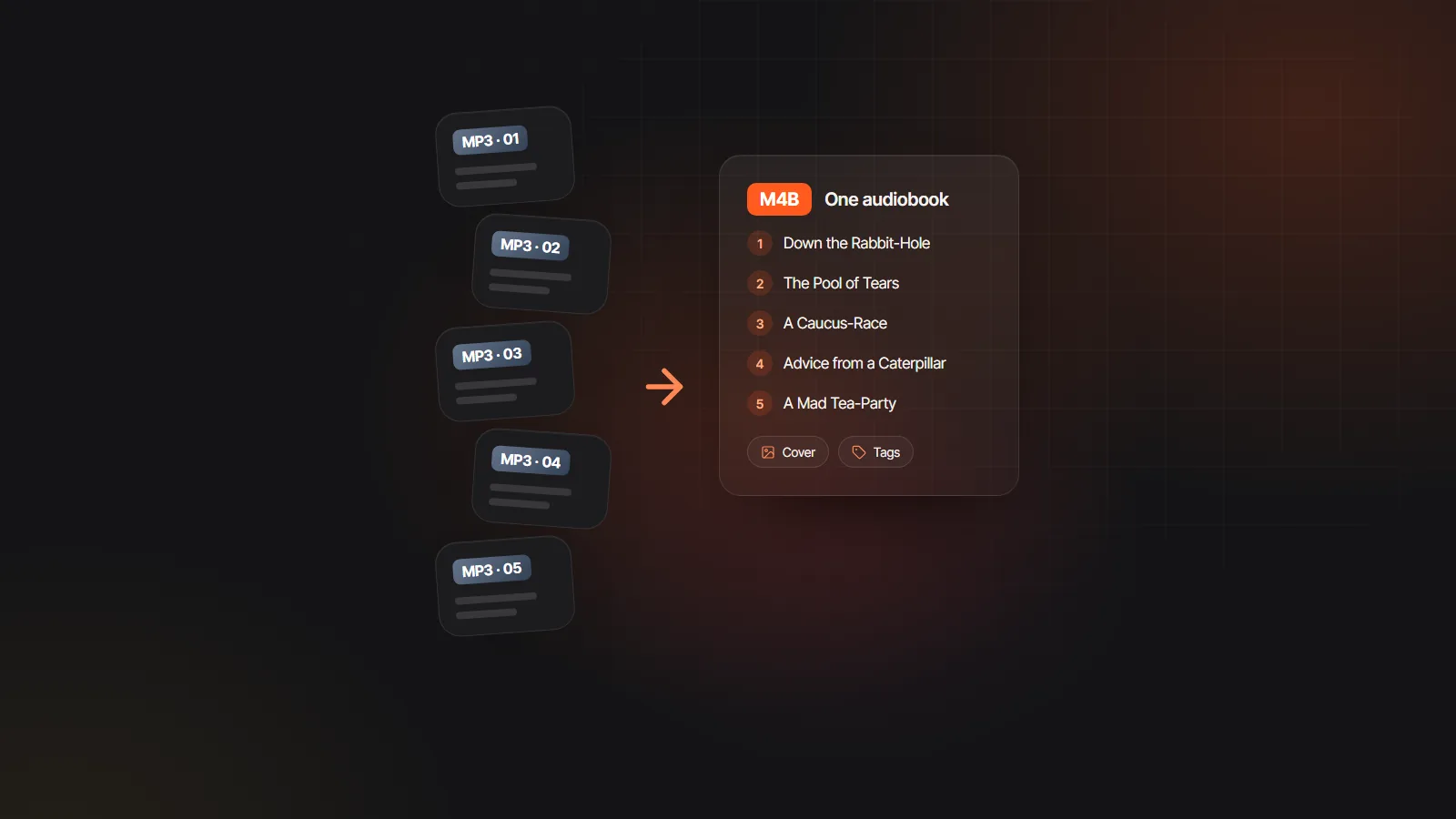
Inside, an M4B carries named chapter markers, so “Chapter 7: The Crossing” appears in the player’s chapter menu and the listener can jump straight to it. It also holds tags for title, author and narrator, plus the cover image. Because M4A and M4B are the same format, renaming one to the other changes how players treat it, not the audio inside.
The M4B format itself has no copy protection. Some audiobooks bought from stores are wrapped in DRM and only play in that store’s app, but an M4B you export yourself is a plain, DRM-free file you can copy to any device you own.
M4B vs MP3 side by side
| Feature | M4B | MP3 |
|---|---|---|
| Audio codec | AAC in an MPEG-4 container | MPEG audio layer III |
| Files per book | One | Usually one per chapter |
| Chapters | Named markers inside the file | Separate files; in-file chapters are rarely supported |
| Remembers your place | Yes, in audiobook apps | Depends on the player |
| Cover and tags | Yes | Yes, as ID3 tags |
| Typical audiobook bitrate | 64 kbps, mono | 128 to 192 kbps |
| Size per finished hour | About 29 MB at 64 kbps | About 58 MB at 128 kbps, 86 MB at 192 kbps |
| Plays on | Audiobook apps, Apple Books, VLC and most modern players | Practically everything, including old devices and car stereos |
| Store uploads | Rarely requested | The usual requirement |
Planning to play the result yourself? How to play M4B files lists the apps for each device.
Chapters, bookmarks and how each format feels to a listener
With an M4B, the listener sees one book. The chapter list is inside it, the app saves the position to the second, and sleep timers can stop at the end of a chapter. Moving the book between devices means copying one file.
With MP3 per chapter, the experience depends on the player. Audiobook apps such as BookPlayer or Audiobookshelf treat a folder of MP3s as one book and handle it well. Music players are less helpful: they may shuffle chapters, sort them in the wrong order or forget your position when you switch to a song.
If you hand out MP3s, number the files with leading zeros, such as 01, 02 … 10, so every player sorts them correctly, and put the same album and artist tags on all of them so they group as one book.
File size and sound quality compared
AAC, the codec inside an M4B, is more efficient than MP3. For a single voice, AAC at 64 kbps sounds broadly as clear as MP3 at 96 to 128 kbps. Narration is usually mono, but size follows total bitrate and duration. Mono does not halve the size again at the same total bitrate.
For a 10 hour book, that means an M4B of about 290 MB at 64 kbps against roughly 580 MB of MP3s at 128 kbps or 860 MB at 192 kbps, the bitrate many stores ask for. On a phone, the difference adds up quickly across a library.
Every conversion between lossy formats loses a little detail. Converting MP3 to M4B at a sensible bitrate is hard to hear in speech, but converting back and forth several times is not. Where you can, export each format from the original project instead.
Which audiobook file format each destination expects
M4B or MP3 often comes down to where the file is going. Typical expectations at the time of writing. Stores publish detailed audio specs and change them, so check the current requirements before you export.
| Destination | Format to use | Notes |
|---|---|---|
| ACX (Audible) | MP3, one file per chapter | Typically 192 kbps or higher, constant bitrate, 44.1 kHz; AI narration uploaded by authors is not accepted |
| Google Play Books, Kobo and distributors | Usually MP3 per chapter | Some accept other formats; each has its own spec and AI narration rules |
| Selling direct on your own site | Both | M4B for audiobook apps, a ZIP of MP3s for everything else |
| Your own phone or tablet | M4B | One file, chapter list and saved position |
| Car stereo, USB stick, older players | MP3 | The format almost every device can read |
| A podcast feed | MP3 | One episode per chapter or per section |
Store rules on AI narration are compared in where to sell AI audiobooks. For direct sales, see sell audiobooks on your website.
Other audiobook formats you may run into
M4A is the same format as M4B with a music extension. Rename it to .m4b and audiobook apps will treat it as a book. AAX and AA are Audible’s protected formats, playable only in Audible’s apps and on approved devices.
WAV is uncompressed audio used during production and mastering. An hour of CD quality stereo WAV is about 635 MB, or about 318 MB in mono, which is why nobody ships a finished audiobook in it. FLAC keeps the same quality at roughly half the size and is sometimes requested as a master file. Opus and OGG are efficient and used inside some apps, but stores rarely accept them as uploads.
Export M4B and chapter MP3s without choosing
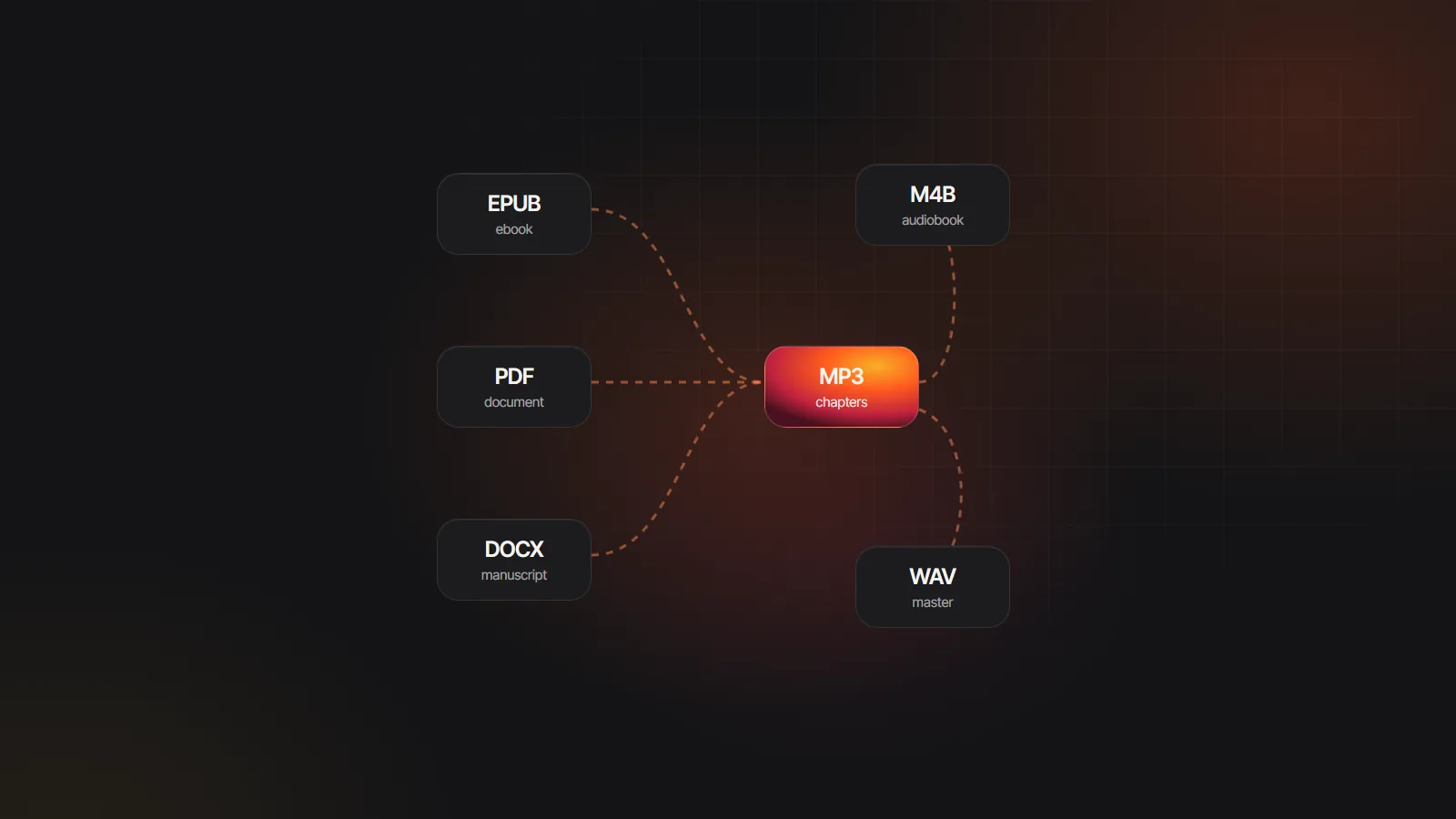
You rarely have to pick one format. The AI audiobook generator exports one MP3 per chapter, a ZIP of every chapter file with a chapters index, and an M4B with named chapter markers, title and author tags and the cover, built in your browser. Send the MP3s to stores and give listeners the M4B.
Already have chapter MP3s from another source? The free MP3 to M4B converter joins them into one file with chapters and a cover. The M4B audiobook maker page explains how chapter markers are created from your manuscript headings.
The Velveteen Rabbit.m4b
6 chapters · 41 min · chapter markers
- M4BOne file
- MP3Per chapter
- ZIPWhole project
Line 48 regenerated, the rest of chapter 3 kept as is