
TXT to MP3 converter
TXT to MP3, One Chapter at a Time
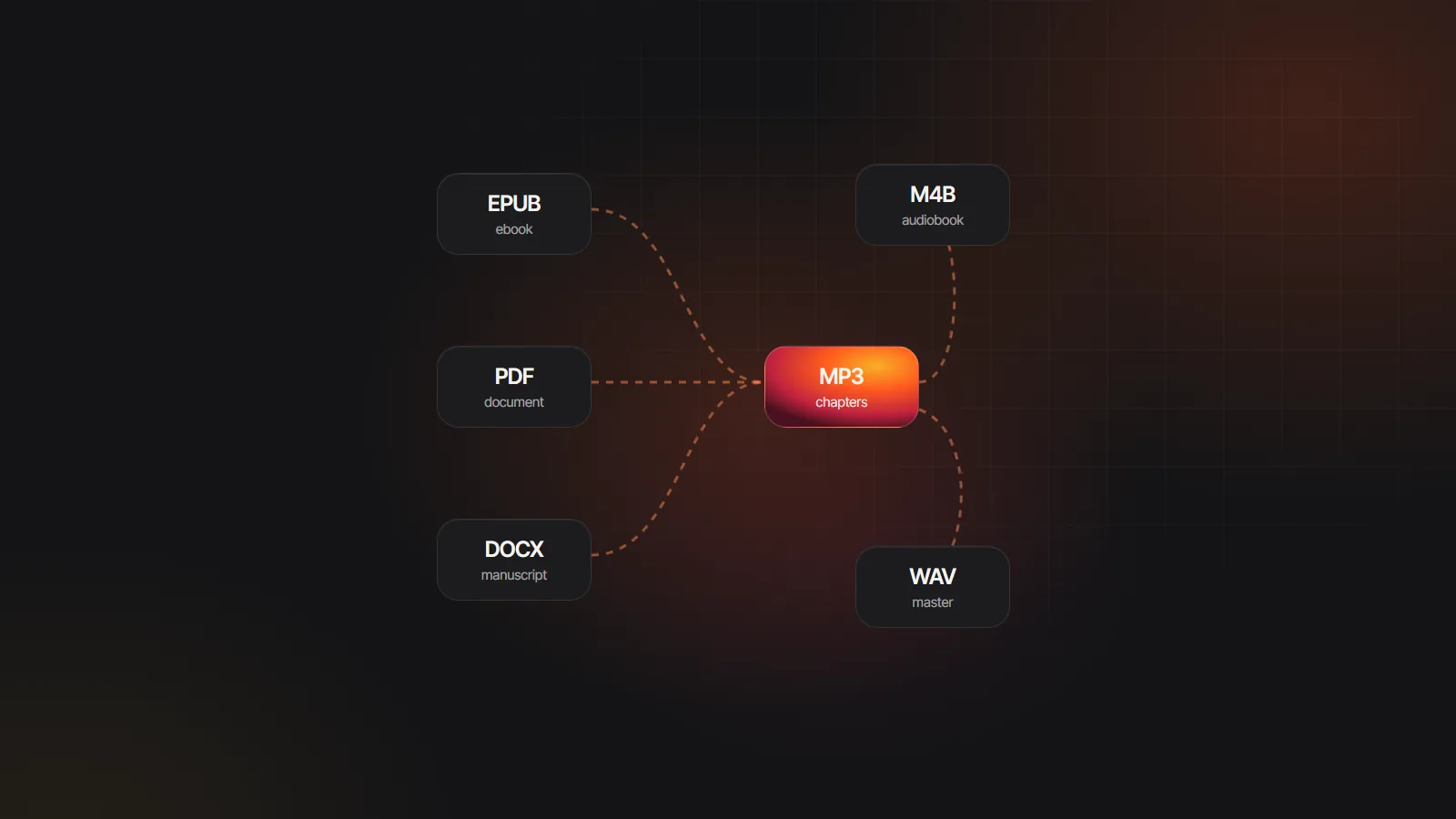
Plain text is the simplest file there is, and the TXT to MP3 converter treats it like a book. Upload a .txt novel or draft, and lines such as “CHAPTER IV.” become chapters, hard-wrapped lines are joined, and a narrator and a voice per character read it into one MP3 per chapter.
TXT files · also EPUB, PDF, DOCX, MD · up to 30 MB
Read in your browser. Nothing is uploaded until you generate
AI audiobook samples
View allHow to convert TXT to MP3 by chapter
- 1
Save as UTF-8
Make sure the file is saved with UTF-8 encoding. In Notepad, choose Save As and pick UTF-8 from the Encoding list.
- 2
Upload the .txt
Pick the .txt with the uploader at the top of this page (30 MB at most). It opens in your browser and stays there until you generate.
- 3
Check chapters and cast
Each heading line starts a chapter. The narrator and every speaking character appear with voices you can swap.
- 4
Download the MP3s
Generate and listen to chapter one, then the rest. Download numbered MP3 files, one per chapter, or a ZIP with an index.
Chapter headings a TXT to MP3 conversion recognises
Headings must sit on a line of their own. These are the patterns that start a new chapter, and the titles they produce.
| Line in your .txt | Chapter in the audio |
|---|---|
| Chapter 3 | Chapter 3 |
| CHAPTER IV. with “The Pool of Tears” on the next line | CHAPTER IV: The Pool of Tears |
| Chapter Twelve: The Trial | Chapter Twelve: The Trial |
| Part Two, Book One or Act 1 | A chapter with that title |
| Prologue, Preface, Introduction, Epilogue or Afterword | A chapter with that title |
| A Markdown heading starting with # | A chapter named from the heading |
| Text before the first heading | An “Opening” chapter when it runs past about 120 words |
| No headings anywhere | Parts of about 4,000 words, split at paragraph breaks |
Writing in Markdown already? Markdown to audiobook covers # headings and syntax in detail.
Prepare a text file to MP3 without surprises
Plain text has no styles, so in a TXT to MP3 project the layout of the lines carries all the structure.
Good to go
- Paragraphs separated by a blank line; hard-wrapped lines inside a paragraph are joined for you
- Each chapter heading on its own line, with a blank line before the text starts
- Dialogue in double quotation marks, with tags such as “said Holmes” near each new speaker
- Project Gutenberg files as downloaded; the header and license are removed for you
Fix first
- Accented letters or curly quotes showing as garbled symbols, a sign of a non-UTF-8 encoding
- A whole book on a handful of lines, with no blank lines between paragraphs
- Files over 30 MB, which should be split into volumes
- Headings buried mid-paragraph, where they cannot be detected
The Velveteen Rabbit.m4b
6 chapters · 41 min · chapter markers
- M4BOne file
- MP3Per chapter
- ZIPWhole project
Line 48 regenerated, the rest of chapter 3 kept as is
TXT to audio files: MP3 chapters, a ZIP or one M4B
Every chapter becomes its own numbered MP3, so files sort in reading order on any player, from a phone to a car stereo. The ZIP export bundles all of them with an index of chapter titles, which is handy for archiving or for handing a book to a listener in one download.
Prefer one file? The M4B export keeps every chapter inside a single audiobook file with named markers, title and author, built right in your browser. Already have a folder of MP3s from elsewhere? The free MP3 to M4B converter joins them.
Hear a cast reading plain text
Every sample here started as words on a page. A txt file to MP3 conversion uses the same narrators and character voices.

Full-cast AI audiobook
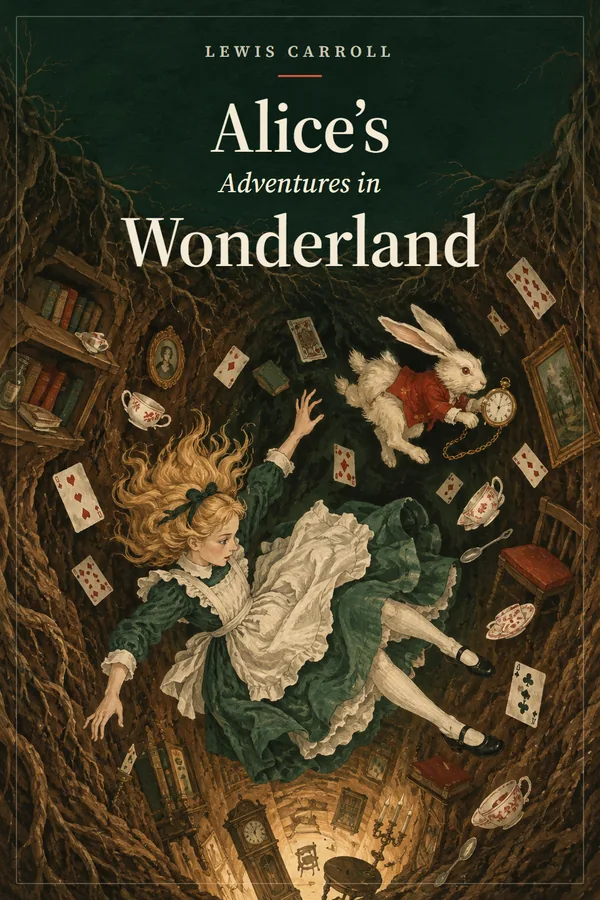
Alice's Adventures in Wonderland


Transcript
Playlist
TXT to MP3 for public domain classics and your own drafts
Public domain texts. Project Gutenberg’s plain text editions convert as downloaded. Everything outside the “* START OF” and “* END OF” markers, header and license included, is removed automatically, while the title is still read from the header. Public domain status depends on the country you are in, so check it before you share. The public domain audiobook maker page lists good starting titles.
Your own drafts. Scrivener, Notepad, TextEdit and most writing apps export plain text. You lose italics and bold, which narration does not need, and keep the words and line breaks. If your app can export EPUB instead, that route gives you a ready-made contents list through EPUB to audiobook.
Full cast or one voice. By default a narrator reads the prose and each character gets a voice. For a classic single-reader feel, set every role to the narrator’s voice; the chapters and files stay the same.
Length and cost. At 155 words per minute, a 100,000 word text file makes about ten and three quarter hours of audio. With Standard voices that is roughly $95 to $130 in credits, and Lite voices cost a third less. Importing and chapter detection are free.
Compared with generic file converters. Many free online tools turn a text file into a single long MP3 in one voice, with no chapters. That suits a short note. For a novel, chapter files and a cast from an AI audiobook creator make the difference between a recording and an audiobook.
TXT to MP3 FAQ
Why does my TXT show strange characters after upload?
The file is probably saved in an older encoding such as Windows-1252 or GBK rather than UTF-8. Open it in a text editor, choose Save As and pick UTF-8, then upload the new copy. Curly quotes, accents and non-Latin scripts will then come through correctly.
Can I narrate a Project Gutenberg text file?
Yes, if the book is public domain where you live. Upload the .txt exactly as you downloaded it: the Project Gutenberg header at the top and the license at the end are removed automatically, and the book title is taken from the header. The audio starts at the first chapter of the story.
Can I use a single narrator instead of a cast?
Yes. Characters are cast by default, but you can give every role the narrator’s voice before generating. The chapters and MP3 files stay exactly the same, and you can switch back to a cast for the next book. A single voice suits many classic novels and most nonfiction.
Can I make one long MP3 instead of chapter files?
The TXT to MP3 export gives one file per chapter, which is easier to navigate. For a single file, choose the M4B export instead: it keeps the whole book in one audiobook file with chapter markers, and works in Apple Books, BookPlayer and most audiobook apps.
Will hard line breaks make the narration choppy?
No. Single line breaks inside a paragraph are joined before narration, so a file wrapped at 70 characters, as many classic texts are, reads smoothly. What matters is a blank line between paragraphs; without it, several paragraphs merge into one long block.

Turn a text file into chapter MP3s
Upload a .txt and try TXT to MP3 with a short sample using gift credits, no card needed.