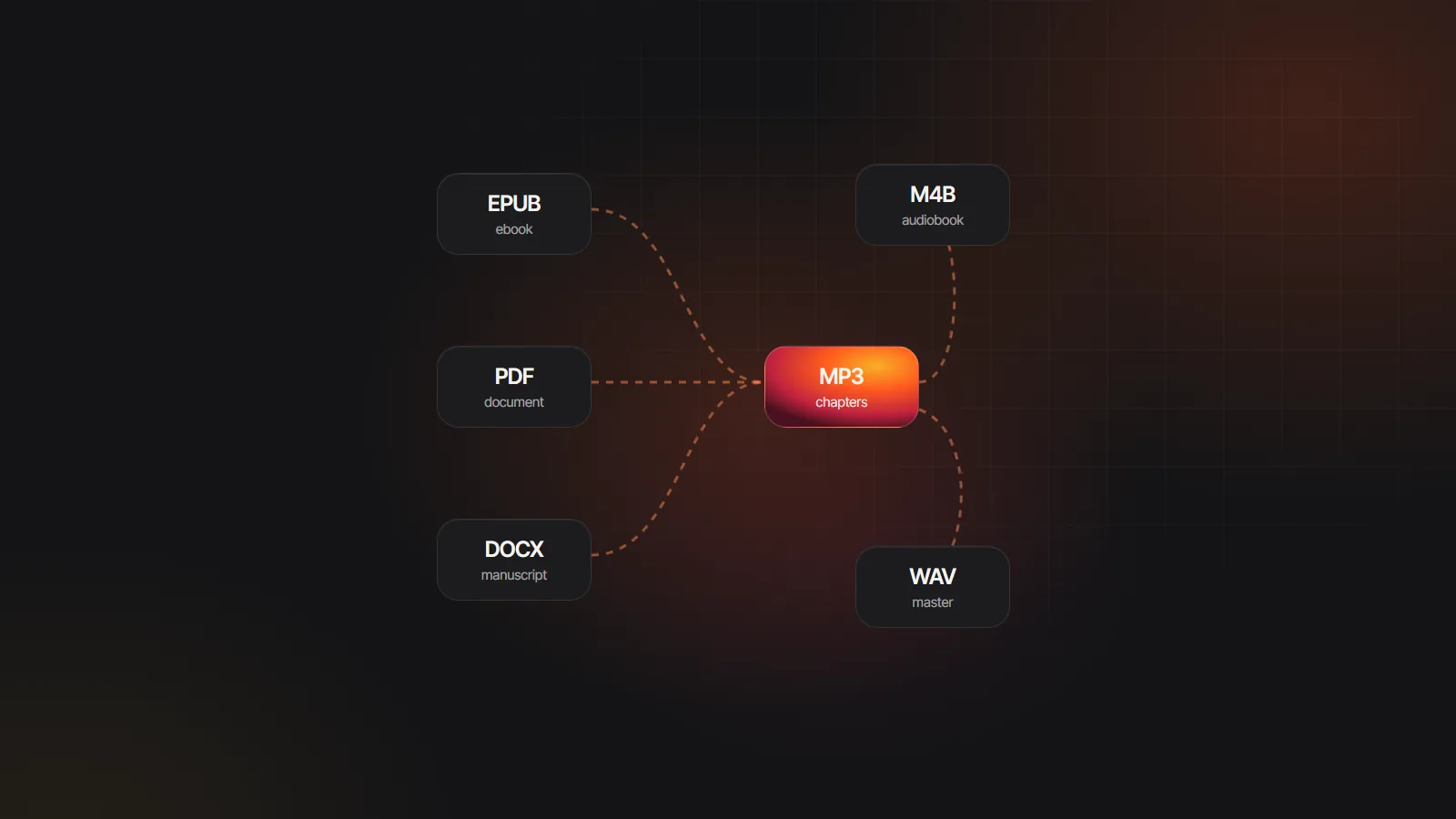
Plays on anything
Every phone, laptop, car stereo and cheap MP3 player opens MP3, with no audiobook app needed.
PDF to MP3 converter
Some documents are easier to hear than to read. Upload a text-based PDF, choose a narrator, and the PDF to MP3 converter turns it into clean MP3 files, one per section, that play on a phone, in the car or on any old MP3 player, online or off.
PDF files · also EPUB, DOCX, TXT, MD · up to 30 MB
Read in your browser. Nothing is uploaded until you generate
The PDF is read in your browser. You see the sections and the voice before any credits are spent.
Try selecting a sentence. If it highlights, the file will convert. Scanned pages are images, and there is no OCR yet.
Drop it onto the uploader above, up to 30 MB. Page numbers and running headers are removed, and broken lines are joined into paragraphs.
Choose one clear voice for the narration. For documents, set the “Other voices” role to the same voice so quotes match.
Generate the sections, listen to the first, then download one MP3 per section or a ZIP with an index of every file.
Anything left in the text is read aloud. A few minutes of trimming makes a PDF to MP3 file far easier to follow.
| Kind of PDF | Trim before upload | Suggested voice model |
|---|---|---|
| Research paper | References, figure captions, equations and author affiliations | Lite or Standard |
| Business report | Tables of figures and the contents page; repeated headers and footers go automatically | Standard |
| Study notes | Bullet fragments that make no sense spoken; turn them into sentences | Standard |
| Manual or handbook | Diagrams labels, index and long part numbers | Lite |
| Essay or article you wrote | Footnotes you do not want read in the flow | Standard or Premium |
| Novel or memoir | Nothing much; see the audiobook route instead | Standard or Expressive |
Narrating a book rather than a document? PDF to audiobook covers chapters, character voices and M4B files.
An audiobook file is built for novels. For reports and notes, plain MP3 files are often more practical.
Every phone, laptop, car stereo and cheap MP3 player opens MP3, with no audiobook app needed.
Each section is its own file, so you can jump to the methods or skip the appendix without scrubbing through an hour.
Send a single section by email or chat, or post a file for a study group. The ZIP keeps every section together.
Most phone players can speed up playback, a quick way through a long report once your ear adjusts to the voice.
Listening while following the text helps many people with long documents. See audiobooks for dyslexia for more.
Hear your own report or essay read back before you send it. Missing words and tangled sentences stand out at once.
Filter by language, gender and style. For long documents, a calm, steady voice is easier to follow than a dramatic one.
81 voices
Sections, not chapters. Documents rarely use “Chapter” headings, so in a PDF to MP3 conversion a report without them is split into parts of about 4,000 words, roughly 25 minutes of audio each. Lines that begin with Part, Chapter or Book do start a new file, so to control the split, add “Part 1” style headings to the source before you export the PDF.
Quotation marks in nonfiction. Quoted phrases are treated as dialogue. When nobody is named beside them they go to the “Other voices” role, so set that role to your narrator’s voice and every quote stays in one voice. Interviews with named speakers can keep separate voices, and longer narrative books are covered in nonfiction audiobook narration.
Two columns, tables and references. Text is read in the order the PDF stores it, and dense two-column layouts may come out of order. A single-column export from the source document gives far cleaner PDF to audio results. Cut the reference list, which is long and tiring to hear.
What a document costs. A 20 page report of about 10,000 words is roughly 57,000 characters, about an hour of audio. That is around 340 credits with Lite voices and 515 with Standard voices. Importing is free, and new Google sign-ups get 100 gift credits (valid for 7 days, about 12 minutes on Standard; usage varies by text and voice tier) to try a first section.
Private by default. The AI audiobook generator parses the PDF on your device. The speech model receives only the lines you choose to generate, and your documents are never used to train AI models. Projects stay in your own browser under My Audiobooks.
For a long book you will listen to over days, a single M4B with chapter markers is tidier: audiobook apps remember your place and show chapter names. The same generated audio exports either way, so you can download both. M4B vs MP3 explains the differences, and TXT to MP3 covers plain text files.
Credits are charged per 1,000 characters: 6 on Lite, 9 on Standard, 13 on Premium and 34 on Expressive. A 10,000 word document is about 57,000 characters, so it costs roughly 340 credits on Lite or 515 on Standard. Uploading and previewing cost nothing.
Yes. MP3 is the most widely supported audio format, so the files play over a car stereo by USB or Bluetooth, on older MP3 players and on any phone. Files are numbered in reading order, so a player that sorts by name keeps them in sequence.
Yes. Once downloaded, the MP3 files are ordinary audio on your device and need no connection or app. Copy them to your phone’s music or files app, a USB stick or a memory card and listen anywhere. The ZIP export is the quickest way to move a whole document in one go.
There is no page limit, only a 30 MB file size limit. Most text PDFs are far smaller than that, even at several hundred pages. A very long document simply makes more sections, and you can generate only the ones you need.
It reads the words well, but equations, symbols and tables come out as strings of characters that make little sense spoken. Remove them, or rewrite key formulas in words, before you convert PDF to audio. References and captions are best cut too.
Quotes are treated as dialogue, and untagged ones go to a shared role for minor speakers. Set that role to the narrator’s voice in the cast list and every quoted phrase is read by the same narrator. Regenerate the affected sections afterwards.

Upload a text PDF, choose a narrator and try PDF to MP3 with the free credits you get when you sign up with Google.