
Your own narration
Recorded a chapter a night in a closet booth? Join the files into one book your listeners can bookmark.
Free tool
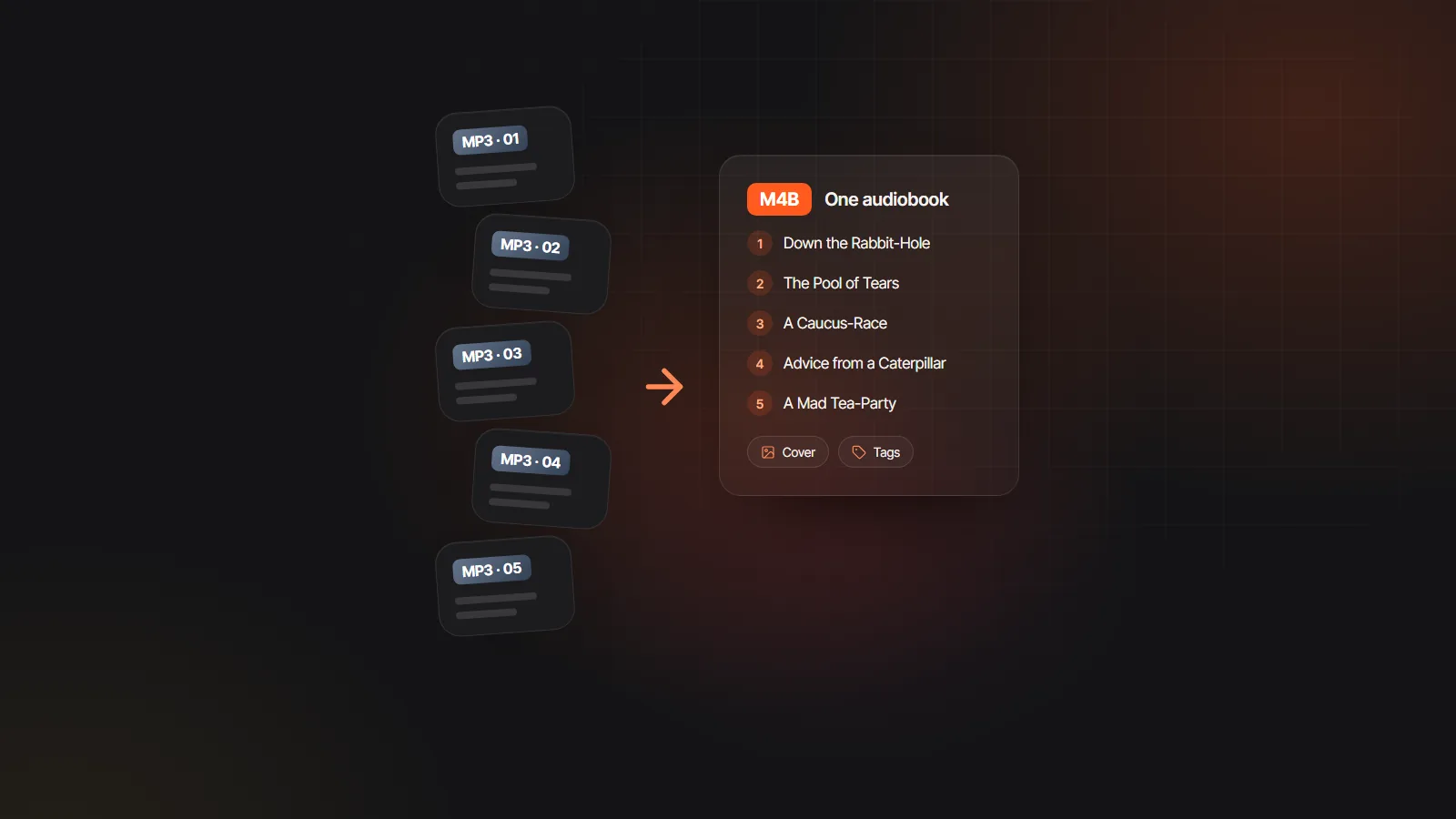
Drop in one MP3 per chapter, put them in order and name each one, and this MP3 to M4B converter joins them into a single audiobook file with a chapter marker at the start of every track. It runs in your browser, so the audio never leaves your device, and it is free with no sign-up.
Chapter markers, cover art and title tags work in Apple Books, Audiobookshelf, BookPlayer, Smart AudioBook Player and most audiobook apps.
Drop in MP3, M4A, AAC, WAV or OGG files, one per chapter, in any mix. They are sorted by name in natural order, so “2” comes before “10”.
Drag a row or use the arrows to reorder. Titles come from the file names with track numbers removed; click any title to rename it.
Type the book title and, if you like, the author. Click the cover square to add a JPG or PNG; players show it on the lock screen.
Choose 64k for speech, 96k, or 128k for music, then press Convert to M4B. The first run loads the converter, about 31 MB, before encoding starts.
The converter encodes AAC at the bitrate you pick, so the output size depends on running time, not on the size of the MP3 files you add.
| Running time | 64 kbps (speech) | 96 kbps | 128 kbps (music) |
|---|---|---|---|
| 1 hour | 29 MB | 43 MB | 58 MB |
| 3 hours | 86 MB | 130 MB | 173 MB |
| 5 hours | 144 MB | 216 MB | 288 MB |
| 10 hours | 288 MB | 432 MB | 576 MB |
| 15 hours | 432 MB | 648 MB | 864 MB |
| 20 hours | 576 MB | 864 MB | 1.15 GB |
Approximate decimal sizes before cover art. Input is limited to 600 MB in total per book so the browser can encode it. For the format itself, read M4B vs MP3.
Recorded a chapter a night in a closet booth? Join the files into one book your listeners can bookmark.
The studio’s ZIP export gives one MP3 per chapter. Add your own cover here, or export an M4B straight from the studio.
LibriVox and other public domain readings often come as a folder of MP3 files. One M4B is far easier to listen to in an audiobook app.
A lecture series you recorded or have permission to use becomes one file with a marker per session.
Bundle the episodes of a finished audio drama season into a single, chaptered file for supporters.
Voice memos of a grandparent telling stories, gathered into one keepsake with a chapter for each story.
Each file becomes one chapter, and a chapter starts where the files before it end. The converter reads the length of every file, then adds them up: with files of 21:30, 18:05 and 24:40, chapter two starts at 21:30 and chapter three at 39:35. That is why the order you set in the list is the order of the chapter menu.
File size follows the bitrate: megabytes ≈ kbps × minutes × 0.0075. A 10 hour book at 64 kbps is 64 × 600 × 0.0075 = 288 MB. Doubling the bitrate doubles the size, so 128 kbps only makes sense when the recording has music worth keeping.
Converting MP3 to M4B decodes your audio and encodes it again as AAC. That cannot add quality the MP3 never had, so there is no point choosing a bitrate higher than the source. For spoken word, 64 kbps AAC sounds clean and keeps the file small enough for any phone.
Most failed conversions come down to one of these.
Copy the .m4b to your phone or library and open it in Apple Books, BookPlayer, Smart AudioBook Player or Audiobookshelf; how to play M4B files covers each device. The title, author, cover and chapter names you set here are what those apps display.
No recordings yet? The M4B audiobook maker builds the same kind of file straight from a manuscript. Upload a book to the AI audiobook generator and every character gets an AI voice, with chapters and an M4B export included, so there are no MP3 files to gather at all.
 Tools & formatsAudiobook Builder and AudiobookBinder alternativesBind MP3 chapters into one M4B with chapter markers and a cover, on Mac, Windows, the command line or in a browser.Read
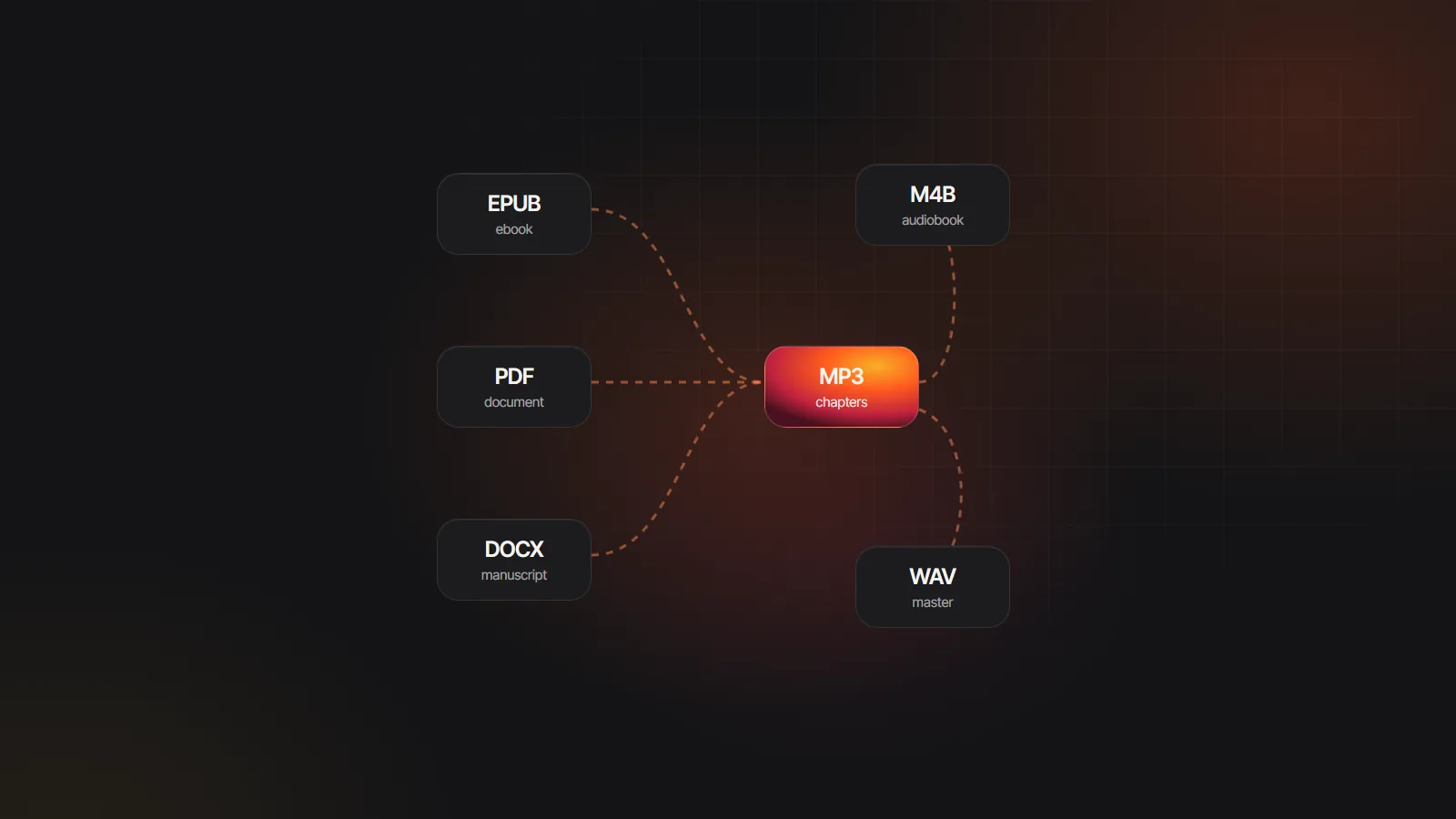 Tools & formatsAudiobook converter guide: every format change explainedEbook to audio, MP3 to M4B, M4B to MP3 and WAV to MP3: what each conversion does, what it costs in quality and which tool fits.Read
Yes. It is free, needs no account and has no watermark or file count limit. The only limit is size: keep the audio for one book under 600 MB in total so your browser can encode it.
No. Encoding runs on your device with a WebAssembly build of FFmpeg. The only download is the converter itself, about 31 MB, fetched the first time you convert. Your MP3s and cover stay on your computer or phone.
A little, in theory, because the audio is re-encoded as AAC. In practice, 64 kbps AAC sounds clean for speech, and 96k or 128k suits recordings with music. Avoid choosing more than the source bitrate, since that only makes the file bigger.
No. Audible AAX files and other DRM-protected audiobooks are not accepted, and the converter does not remove copy protection. It works with MP3, M4A, AAC, WAV and OGG files you are free to use.
The first time, your browser downloads the converter, about 31 MB, before encoding begins. Later conversions in the same visit start right away. Encoding time then depends on the length of the book and the speed of your device.
Not with this tool. Each file you add becomes one chapter, so split the recording into chapter files in an audio editor first, or generate chapter audio from text in the studio, where chapters are separate from the start.

Upload a manuscript and get a full-cast M4B with chapter markers, no recording needed.