An M4B player for each device, at a glance
Apps that read M4B chapter markers at the time of writing. App features change, so check the store listing before you install.
| Device | Apps that show chapters | How the file gets there |
|---|---|---|
| iPhone and iPad | BookPlayer; Apple Books (synced from a Mac) | Save to Files, AirDrop or download, then import |
| Android | Smart AudioBook Player, Voice, the Audiobookshelf app | USB cable, a cloud drive or a direct download |
| Windows | VLC; iTunes for Windows | Open the file, or set the app as the default for .m4b |
| Mac | Apple Books, VLC, QuickTime Player | Double click; Books adds it to your library |
| Linux | VLC, Cozy, mpv | Open from the file manager |
| Home server | Audiobookshelf; Plex or Jellyfin with a suitable client | Copy into the server’s audiobook library folder |
Your first M4B, from download to chapter one
- 1
Install an audiobook player
Pick one from the table above for the device you listen on most. Free options exist on every platform.
- 2
Move the M4B to that device
Download it directly, copy it with a cable, send it through a cloud drive or AirDrop it. One file carries the whole book.
- 3
Import it into the app
Most audiobook apps either watch a folder or have an import button. Music apps are the wrong place for it.
- 4
Open the chapter list
Check that chapter names appear, set your preferred speed and try the end of chapter sleep timer.
How to play M4B files on iPhone and iPad
BookPlayer is the simplest route. It is free and open source at the time of writing, reads chapter markers and covers, remembers your place, and offers speed control, a sleep timer and CarPlay. Save the M4B to the Files app (from Safari, Mail or a cloud drive), then import it into BookPlayer, or share the file straight to the app.
Apple Books plays M4B files too, with chapters, but getting them onto an iPhone runs through a Mac: open the M4B in Books on the Mac, then sync audiobooks to the iPhone through Finder. It suits people who already manage their library that way.
The Files app can preview the audio, but it will not show chapters or reliably keep your place, so treat it as a holding area rather than a player.
Play M4B files on Android phones and tablets
Android has no built in audiobook app that handles personal files, so install one. Smart AudioBook Player and Voice both read M4B chapters, show covers and keep a separate position for every book. Most of these apps ask you to choose a root folder, such as Audiobooks in your phone’s storage, and treat each file or subfolder inside it as a book.
To get the file there, connect the phone to a computer with a USB cable and copy the M4B into that folder, or download it from Google Drive, Dropbox or similar with the Files app and move it. If you run an Audiobookshelf server, its Android app streams or downloads books from it instead.
Many audiobook players on Android also work with Android Auto, which keeps the chapter list on the car’s screen.
How to open M4B files on Windows, Mac and Linux
Windows. VLC opens M4B files and lists chapters under Playback, then Chapter. Right click an M4B, choose Open with, pick VLC and tick the option to always use it. iTunes for Windows also still treats M4B files as audiobooks. Windows Media Player may not recognize the .m4b extension; renaming a copy to .m4a makes it play, but without chapters.
Mac. Double click the file and Apple Books opens it, adds it to your audiobook library and shows the chapters. VLC and QuickTime Player play it as well if you just want to check a file.
Linux. VLC works the same way as on Windows. Cozy is a dedicated audiobook player for Linux desktops that reads M4B chapters and remembers positions, and mpv plays it from the command line.
Streaming M4B audiobooks from a home server
If you keep a large audiobook library, a self-hosted server saves copying files to every device. Audiobookshelf is built for audiobooks: it reads M4B chapters, syncs your position between phone, tablet and browser, and has its own mobile apps.
Plex and Jellyfin can serve M4B files too. How well chapters and saved positions work depends on the client app you use with them, so test one book before moving a whole library over.
Troubleshooting: no chapters, no cover, or the file will not open
- It plays but shows no chapters. You may be in a music player. Open the same file in an audiobook app or VLC. If VLC shows no chapter list either, the file has no chapter markers inside.
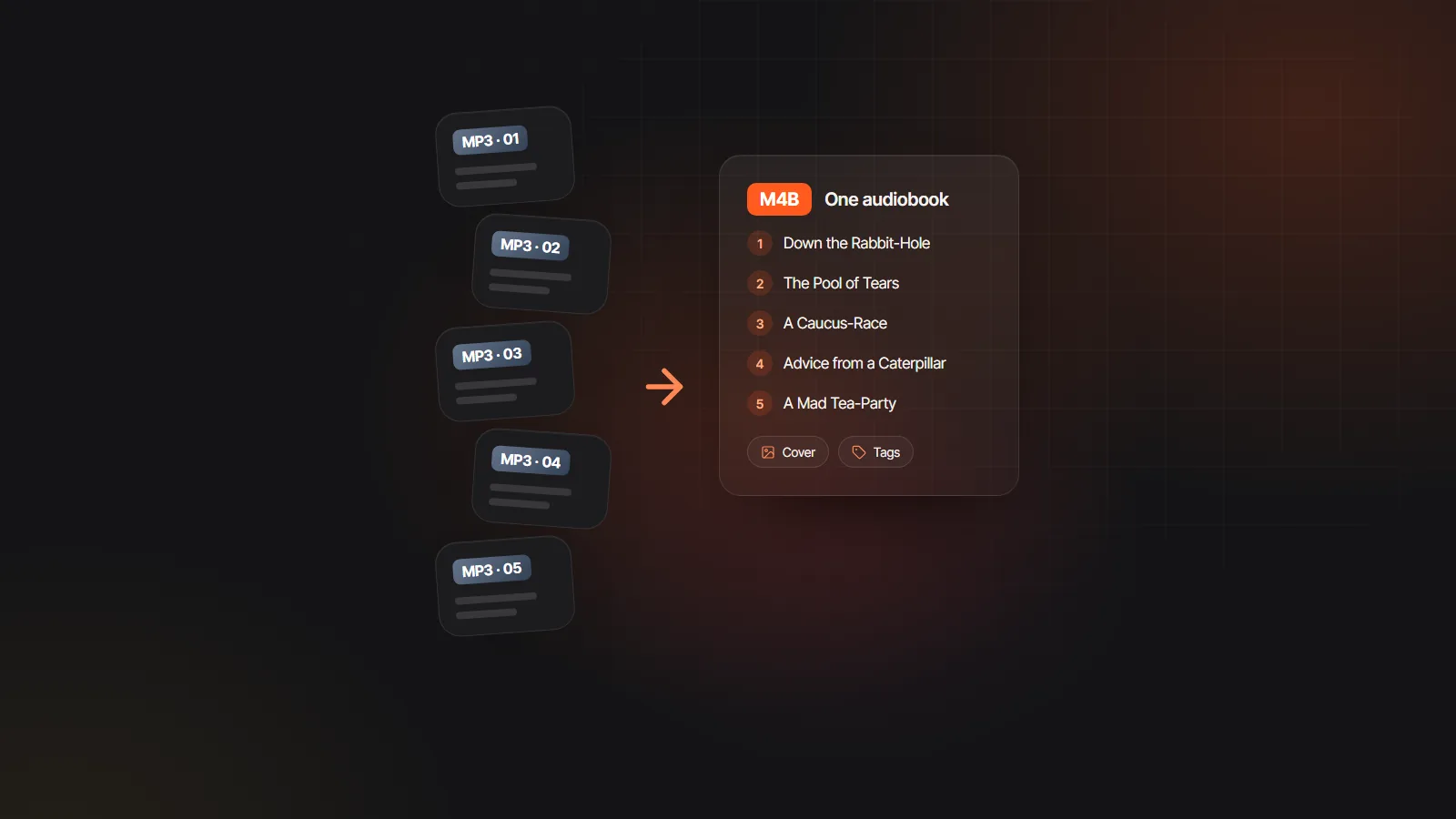
- The file was renamed from MP3. Changing an extension does not convert audio. Rebuild it properly with the free MP3 to M4B converter, which also adds chapters and a cover.
- The cover is missing. Some apps cache artwork on first import. Remove the book and import it again. If it still has no cover, the file has none embedded; see audiobook cover size for a square image that works.
- It will not open at all. Files bought from some stores carry copy protection and play only in that store’s app. Audible’s AAX files are an example.
- Chapters are in the wrong order or split oddly. The markers were set that way when the file was made. Remake the M4B from the original chapter files.
When an MP3 download is the better choice
Some car stereos, older MP3 players and a few smart speakers do not read M4B at all. For those, a set of chapter MP3s numbered in order is the safer download. M4B vs MP3 explains the trade offs, and if you sell audiobooks yourself, offering both formats saves support emails; see sell audiobooks on your website.
Making M4B files of your own books
If you are producing an audiobook rather than just listening to one, the AI audiobook generator exports an M4B with named chapter markers, title and author tags and a cover, built in your browser, alongside chapter MP3s and a ZIP. Every player in the table above can open it. The M4B audiobook maker page covers how chapter names come from your manuscript.