The short answer
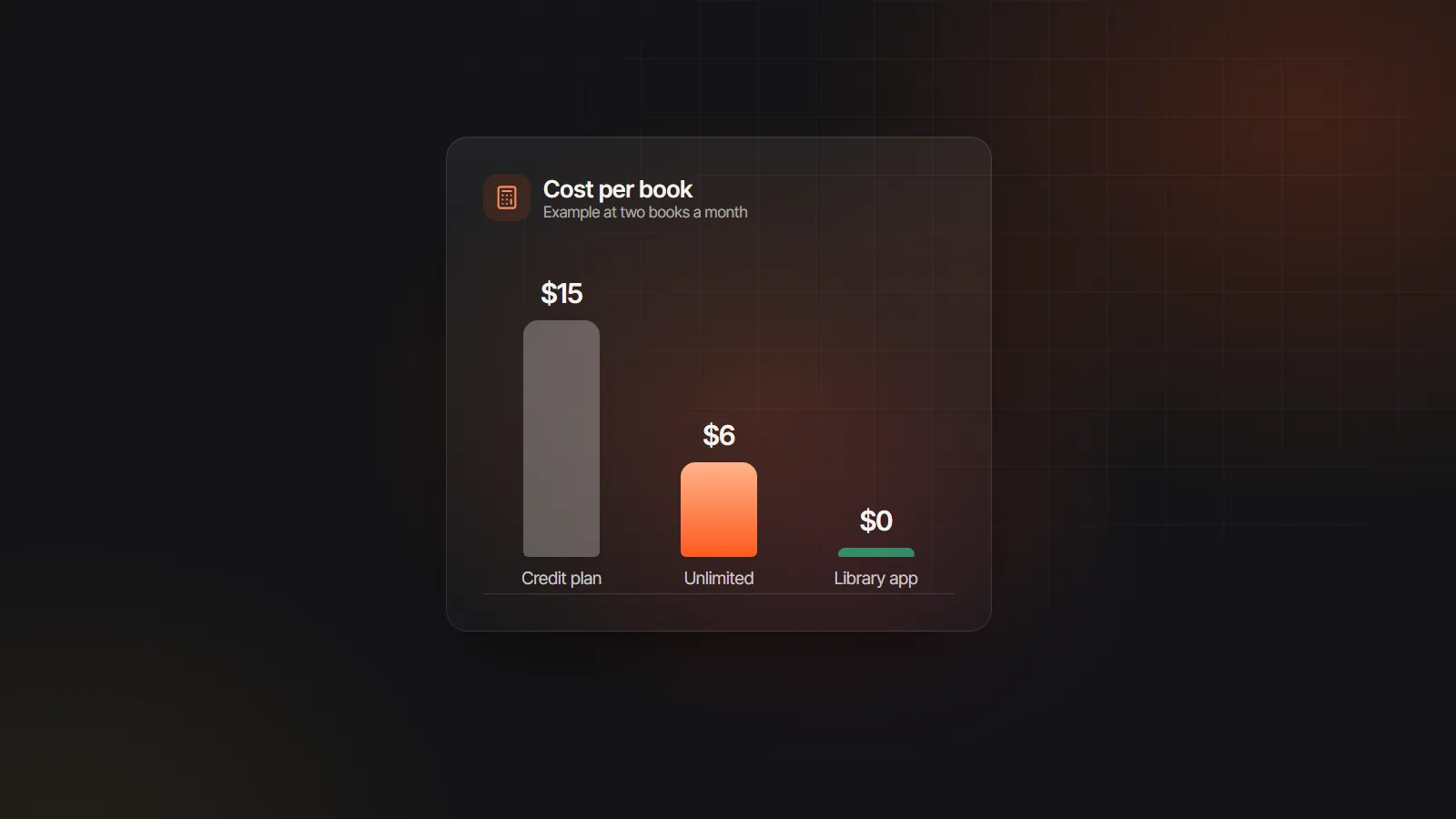
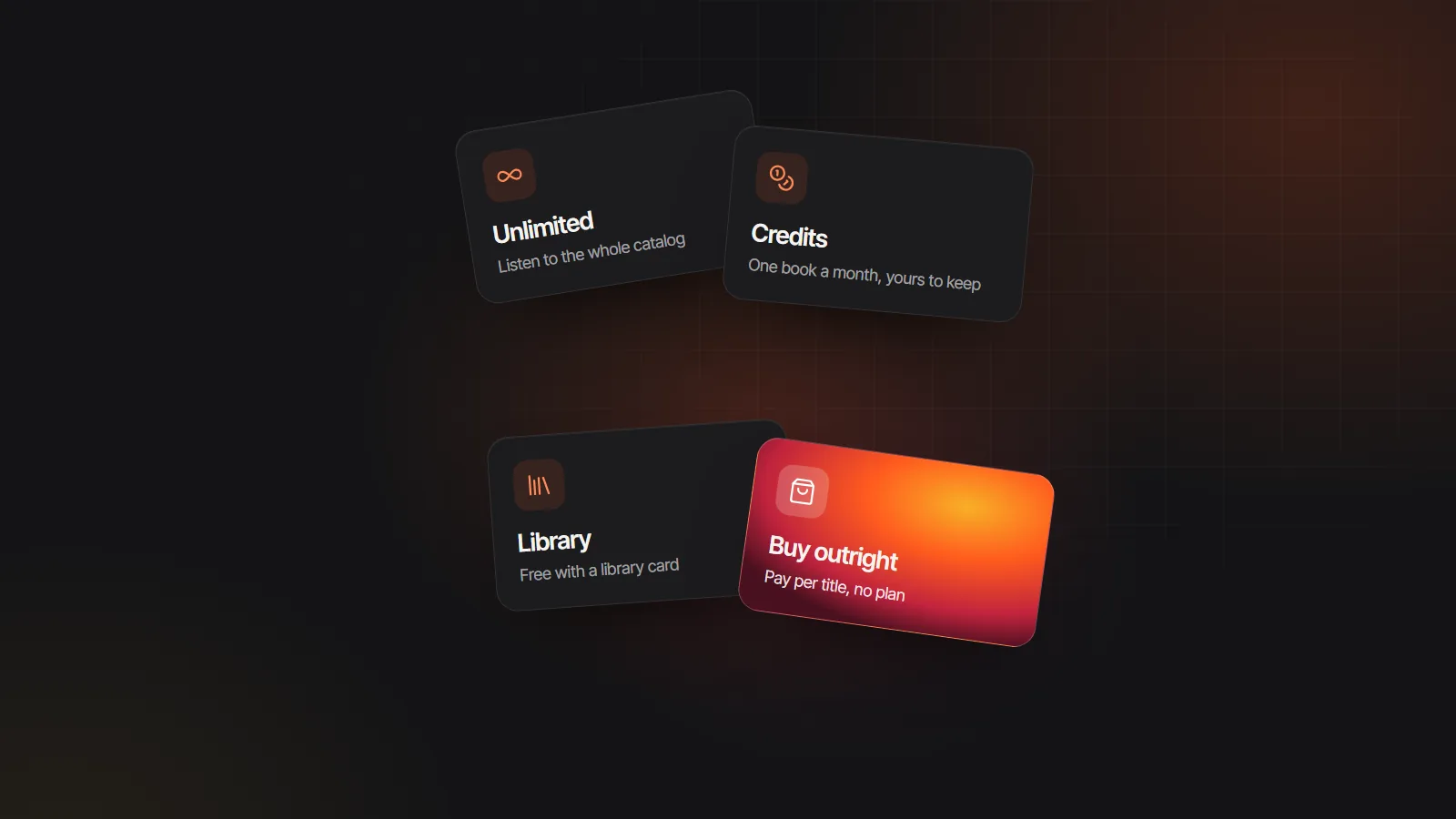
Finish three or more books a month? An unlimited catalog such as Everand, Kobo Plus or Storytel usually costs least per book, if it carries what you read. Want to keep what you pay for? Stay on credits with a service such as Libro.fm, or buy titles one at a time on a deal site like Chirp. Already pay for Spotify Premium? Try its included listening hours first. Patient and on a budget? Libby and Hoopla are free with a library card. Plans change often, so confirm current terms where you live.
What an Audible membership actually gives you
Before you compare services, list what you would be replacing. At the time of writing, a standard Audible membership bundles four things: a monthly credit that buys any title to keep, an included catalog you can stream while subscribed, Audible Originals and other exclusives, and an app tied into Amazon features such as switching between a Kindle ebook and its audio edition.
Most members lean on one or two of these. If you mainly spend the credit on new releases, a credit plan or buying outright covers you. If you mostly binge the included catalog, an unlimited service is the closer match. If an exclusive series is the reason you joined, no other service will carry it, so plan to keep listening to that series where it lives.
One more fact shapes the switch. Audible downloads are protected files that play in Audible’s own apps and approved devices. Audible says the titles you bought stay in your library after you cancel, but you cannot move those files into another app. Think of your Audible library as staying put while you start fresh somewhere else.
Five ways to pay for audiobooks outside Audible
Audible competitors, model by model
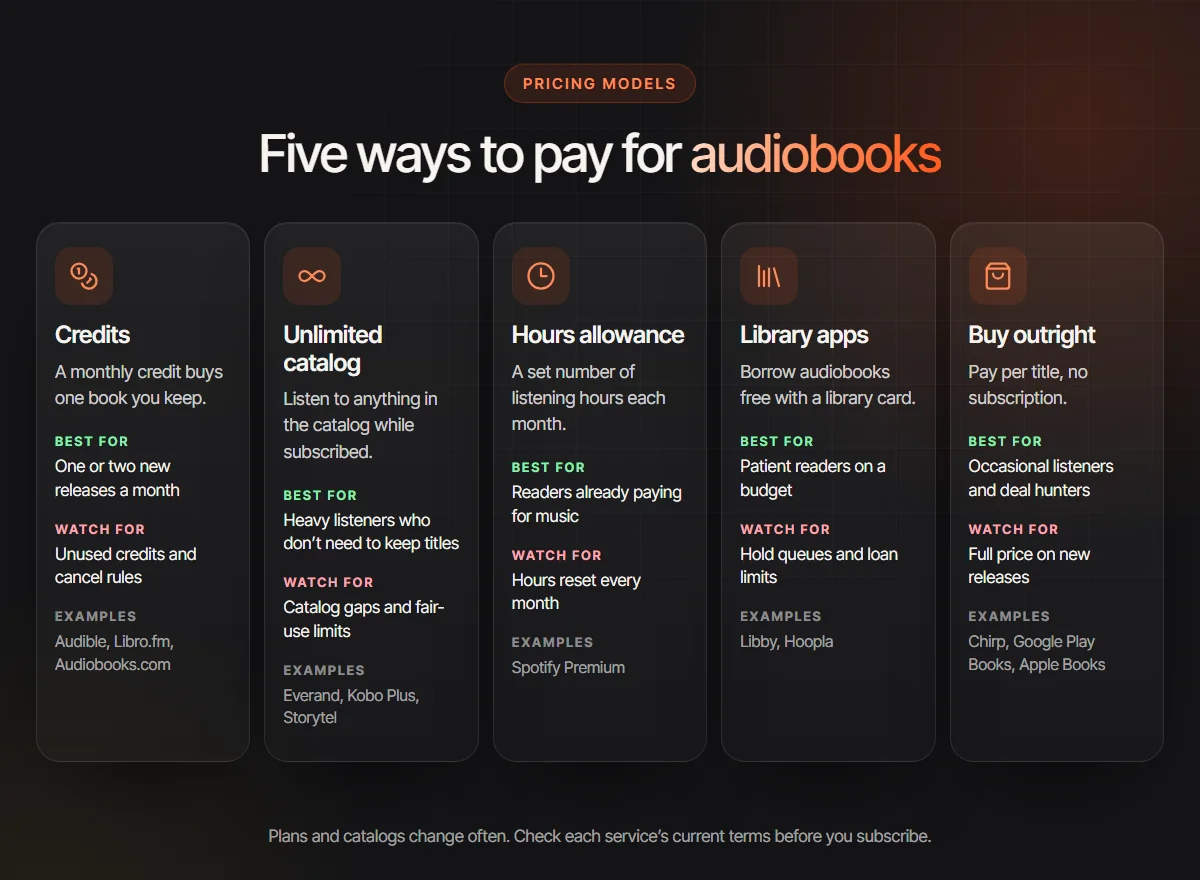
Each card covers one model: the alternatives to Audible best known for it, who it suits and the catch. Availability and terms differ by country.
Credits: Libro.fm, Audiobooks.com
A monthly fee buys a credit, and each credit buys one audiobook you keep, new releases included. Libro.fm is known for sharing sales with independent bookstores and for DRM-free downloads. Suits listeners who finish one or two books a month and want to own them. Watch for credits piling up unused, rollover caps and what happens to leftovers when you cancel.
Unlimited catalog: Everand, Kobo Plus, Storytel
One fee and you can listen to anything in the catalog while you subscribe. It is the best value for heavy listeners, but catalogs lean toward backlist titles, and some services cap how many books or hours you use each month. Search for the five books you want next before you pay, not the bestseller on the home screen.
Hours allowance: Spotify Premium
Where it is offered, Spotify Premium includes a monthly allowance of audiobook listening hours on top of music, with paid top-ups. If you already pay for Premium, trying it costs nothing extra. At the time of writing, unused hours reset each month rather than rolling over, and a long fantasy novel can use up a whole month on its own.
Library apps: Libby, Hoopla
Free with a library card. Libby borrows from your library’s own collection, so popular titles come with holds and waiting lists. Hoopla lends instantly but limits how many titles you borrow each month, with the limit set by your library. Ideal for patient listeners and for testing a genre before you spend anything.
Buy outright: Chirp, Google Play Books, Apple Books
No subscription: you pay per title, only when you want one. Chirp is known for limited-time discounts, and the big ebook stores sell audiobooks next to ebooks. This suits occasional listeners and deal hunters. The trade-off is that a new release at full price usually costs more than a credit would.
Free classics: LibriVox
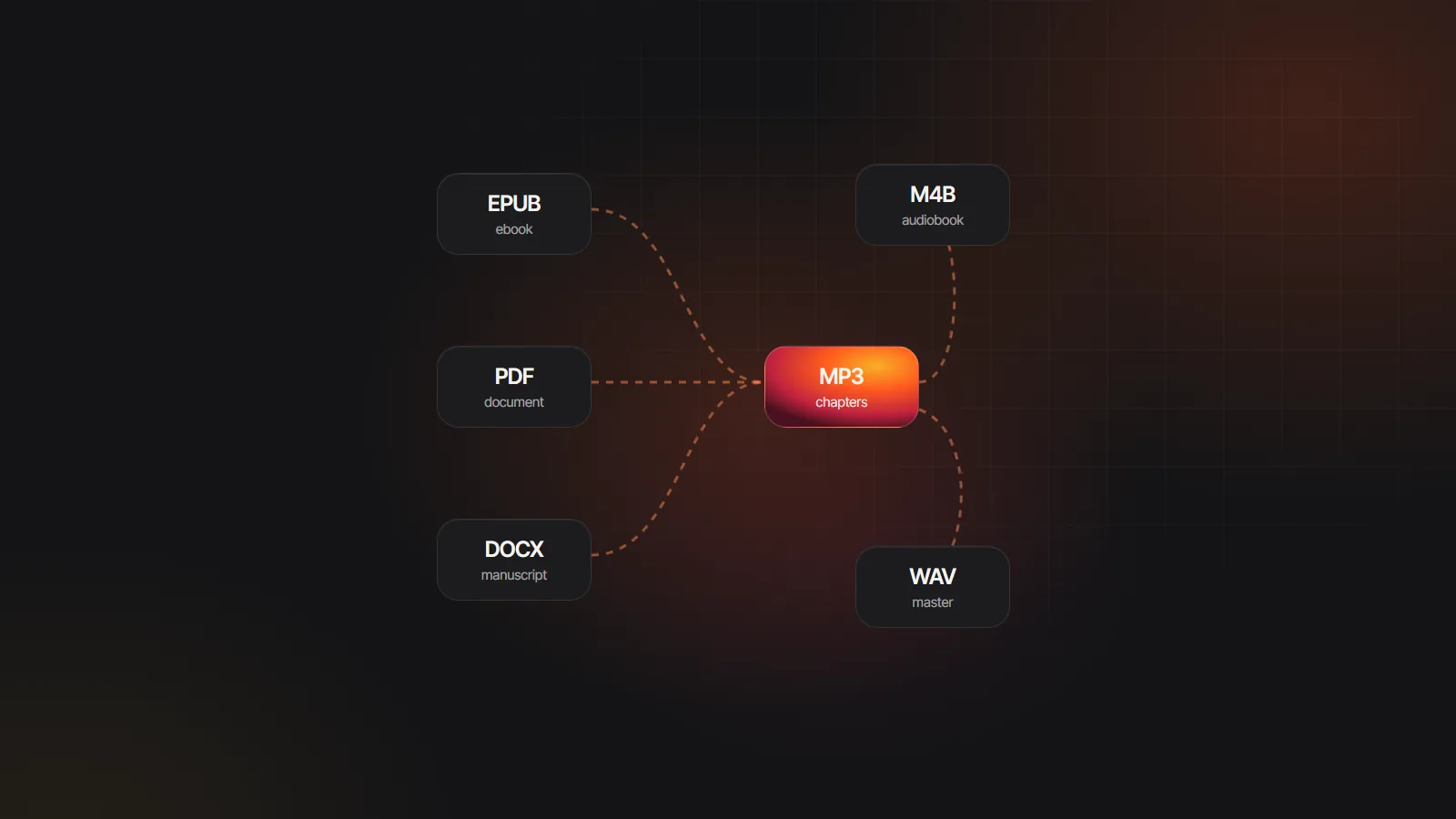
Volunteers record books whose copyright has expired, and LibriVox gives the recordings away as free downloads. The catalog of classics is large, though reading style and audio quality vary by volunteer, sometimes from chapter to chapter. Downloads are usually one MP3 per chapter; the free MP3 to M4B converter binds them into one file with chapters.
Which alternative to Audible fits how you listen
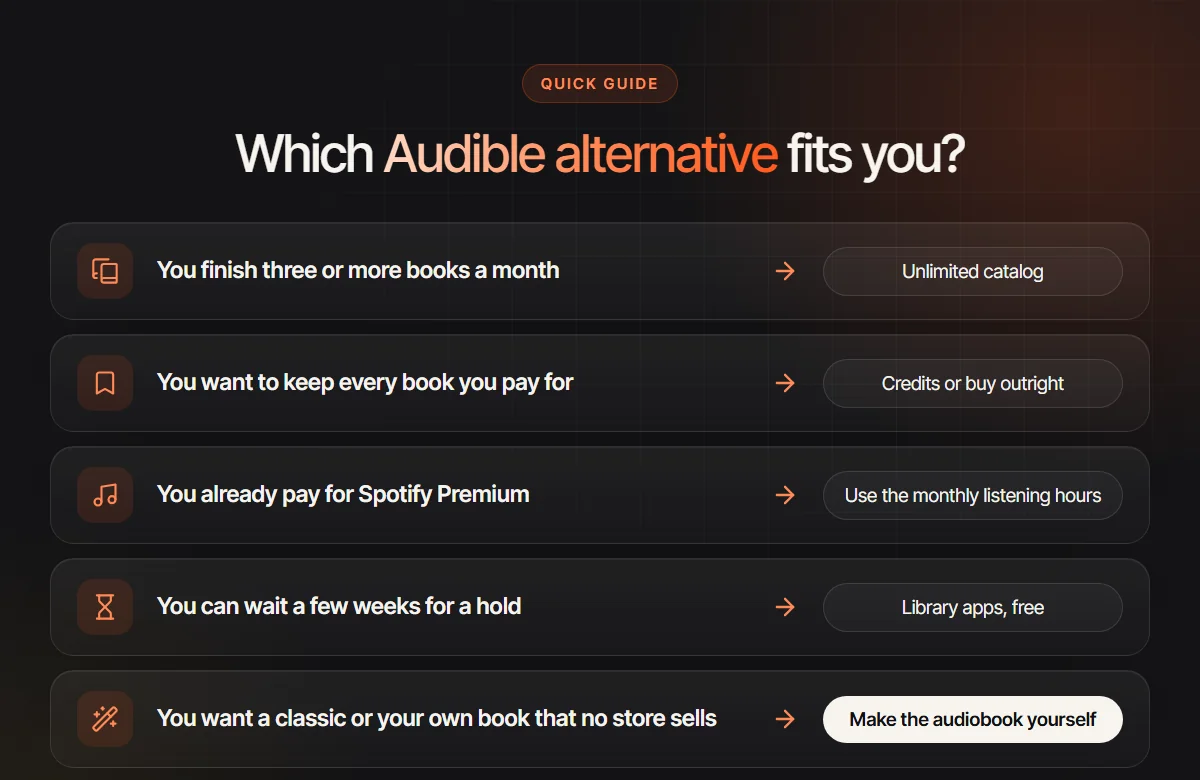
There is no single best alternative to Audible, only a best model for your habits. Look at what you finished in the last three months rather than what you plan to read.
Heavy listeners who get through three or more books a month almost always pay less per book on an unlimited catalog. The risk is selection, so test the catalog with your own reading list during a trial.
Collectors who relisten, or who want their books in ten years, should pick credits or buying outright. Prefer stores that let you download the file itself, so the book is not tied to one app. DRM-free audiobooks usually arrive as MP3 or M4B, and M4B vs MP3 explains which one keeps your chapters.
Budget listeners should start with Libby or Hoopla and pay only for the books they cannot wait for. Many people settle on a mix: library loans for most listening plus one purchase a month. Our guide to the best audiobook subscription compares what each mix costs per title.
What you keep and what you lose when you leave
Go through this list before you press cancel. It reflects Audible’s published help pages; confirm the current wording for your country.
Usually stays with you
- Books you bought. Titles bought with credits or cash stay in your Audible library and keep playing in Audible’s app after the membership ends.
- Your progress on those books, including bookmarks and position, inside the Audible app.
- Your Amazon account and Kindle books. Ending the membership does not touch them.
Usually lost or hard to move
- Unused credits. Leftover credits are generally forfeited when you cancel, so spend them first.
- The included catalog. Titles you streamed as part of the membership leave your library when it ends.
- Exclusives. Audible Originals and Audible exclusive titles are generally not sold anywhere else.
- Member discounts on extra purchases, and access to members-only sales.
- Kindle syncing. Switching between a Kindle ebook and its audio edition only works with Audible editions.
- The files themselves. Protected downloads will not open in other apps. Skip tools that promise to strip the protection, since that breaks the terms of the purchase; listen to those books where you bought them.
How to switch from Audible in five steps
- 1
Spend your credits on keepers
Use every remaining credit on a book you will want for years, such as the next volumes of a series you are halfway through.
- 2
Note the exclusives you follow
List any Audible Original or exclusive series you listen to. Those books stay where they are, and you may decide to buy future volumes there one at a time.
- 3
Test the new service first
Start a trial of your chosen Audible alternative before you cancel. Search it for the next five titles on your list, listen to one all the way through, and write down the renewal date.
- 4
Check for a pause
In some regions the cancellation page offers a membership pause. If you only need a break from paying, a pause may suit you better than leaving.
- 5
Cancel the membership, keep the app
Cancel the membership, not your Amazon account, and keep the Audible app installed for the books you own. Put DRM-free purchases in a dedicated audiobook player; how to play M4B files lists apps for each device.
Classics and your own books: make the audiobook yourself
Some books no store sells as audio at all: a classic whose only recording is decades old, a translation nobody has narrated, a small-press title, or the novel you wrote yourself. A volunteer recording may be all you need. When it is not, you can make the audiobook yourself.
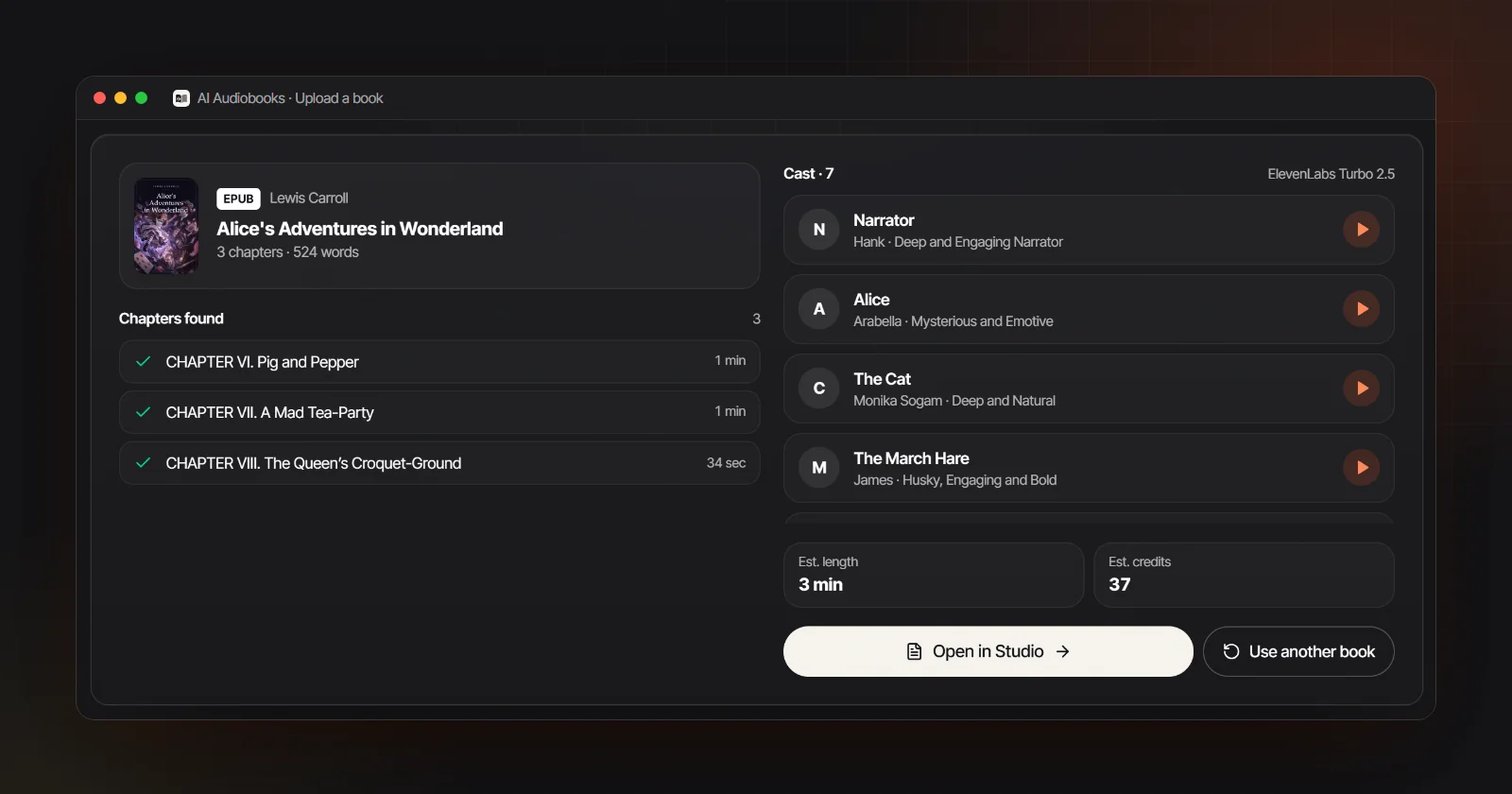
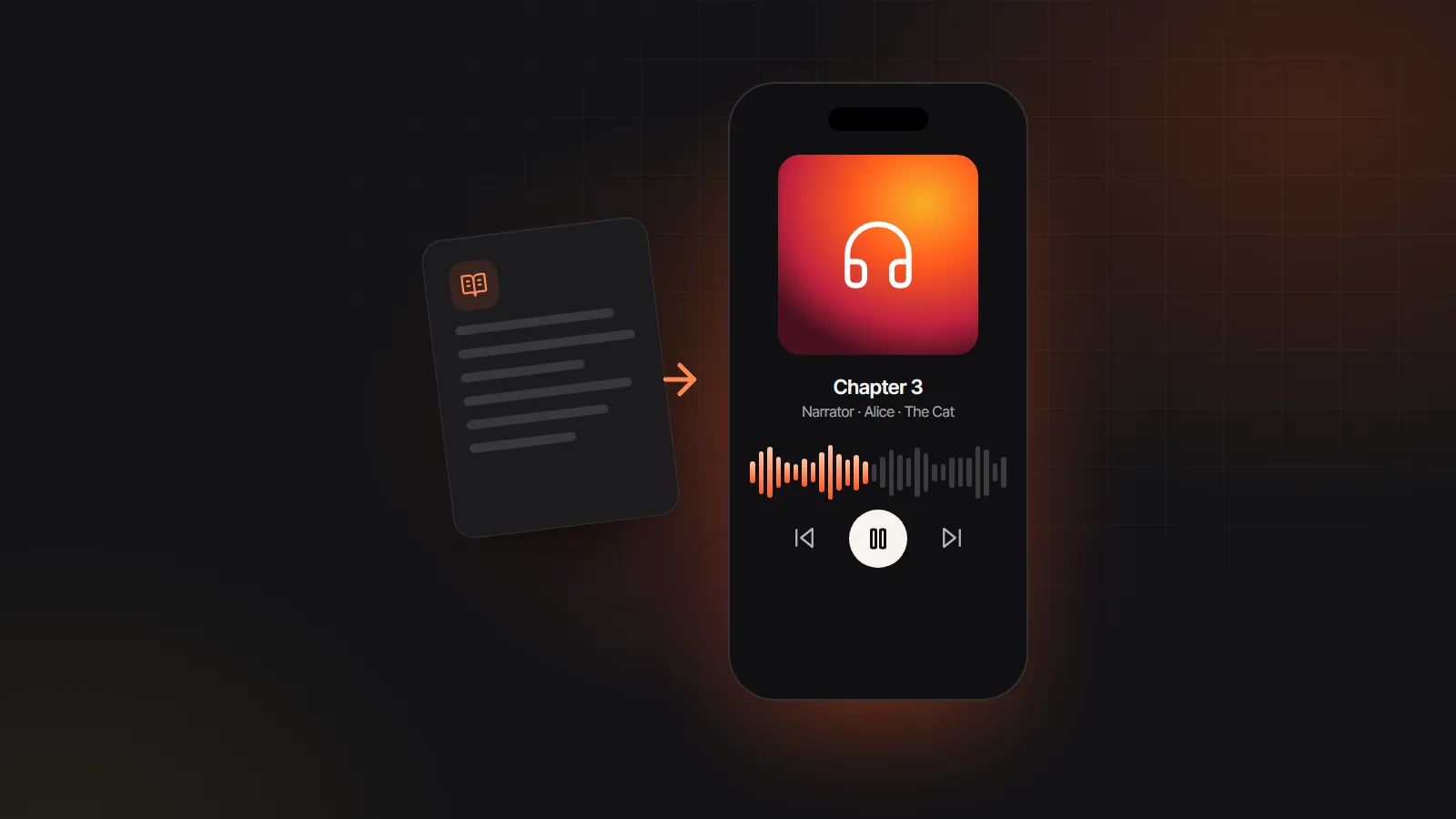
Download a classic as an EPUB from a public domain library, and the public domain audiobook maker gives the narrator and each speaking character a separate AI voice, then exports an M4B with chapter markers or one MP3 per chapter. The same AI audiobook generator works for any DRM-free EPUB, Word or text file you hold the rights to, including your own manuscript; EPUB to audiobook walks through the steps.
Books bought from Audible, Kindle or other stores stay locked to that store and will not open. Audiobook rights explains what you may narrate and share. Importing, chapter detection and casting are free, and a Google sign-up comes with 100 gift credits (valid for 7 days, about 12 minutes on Standard; usage varies by text and voice tier) for a short sample, so you can hear the result before paying anything.