
Chapters from the contents
The EPUB 3 navigation document, or the NCX file in older EPUB 2 books, sets the chapter list. Each entry becomes a chapter marker with the same title.
EPUB to audiobook converter
Drop in a DRM-free EPUB and get a chaptered EPUB to audiobook conversion in minutes. The converter follows the book’s own table of contents, casts a separate AI voice for each speaking character and exports an M4B with chapter markers or one MP3 per chapter.
EPUB files · also PDF, DOCX, TXT, MD · up to 30 MB
Read in your browser. Nothing is uploaded until you generate
Nothing to install. The file is read in your browser, so you see the chapters and the cast before you spend a single credit.
Drag the file onto the uploader above or click to browse. EPUB 2 and EPUB 3 files up to 30 MB open locally, with no upload until you generate.
Chapters come from the EPUB table of contents. Front matter such as the cover, copyright page and contents list is set aside so the narration starts at chapter one.
Every speaking character is detected from the dialogue tags and given an AI voice. Swap any voice, add a [direction] to a line and preview it first.
Generate one chapter or the whole book, then download a single M4B audiobook with chapter markers, an MP3 per chapter, or a ZIP of everything.
An EPUB already knows where its chapters start and what they are called. A good conversion should use that, not guess.
The EPUB 3 navigation document, or the NCX file in older EPUB 2 books, sets the chapter list. Each entry becomes a chapter marker with the same title.
Publishers often split a long chapter across several XHTML files. The converter follows the contents, so a chapter that spans files still plays as one track.
Title pages, copyright notices, dedications, “also by” lists and the Project Gutenberg license are skipped, so your EPUB audio book opens on the story.
Footnote numbers, scripts, inline SVG and math markup are dropped before narration. Images stay out of the audio, and their captions are read as text.
The title and author come from the EPUB metadata, and the embedded JPEG or PNG cover is pulled out too. All three carry through to the M4B, so players show the right name and artwork on the lock screen.
Parsing runs on your device. Only the lines you choose to generate are sent to the speech model, and your EPUB is never used to train AI models.
 Same cast in every book
Plain text to speech reads a whole novel in one voice, so the hero, the villain and the narrator all sound alike. This EPUB to audiobook tool reads the dialogue tags in your book, works out who is speaking and gives each character a voice of their own, matched on gender and tone.
A narrator plus up to ten named characters can be cast per book, with an “Other voices” role for minor speakers. Pick from 137 AI voices for audiobooks, keep the cast across a series, and use [directions] such as [whisper] or [furious] to shape any single line.
Both exports come from the same chapters. Choose by the player you or your listeners use.
| M4B audiobook | MP3 files | |
|---|---|---|
| What you get | One file for the whole book | One MP3 per chapter, or a ZIP |
| Chapter markers | Built in, named from your contents | Each file is a chapter |
| Best players | Apple Books, BookPlayer, Smart AudioBook Player, Audiobookshelf | Any phone, car stereo or MP3 player |
| Bookmarks and resume | Remembered by audiobook apps | Depends on the player |
| Good for | Listening and sharing a finished EPUB audiobook | Podcast feeds, uploads and older devices |
Already have MP3 files? Join them with the free MP3 to M4B converter. For the long answer, read M4B vs MP3.
The converter opens standard EPUB files. It does not remove copy protection, so the EPUB has to be DRM-free and yours to narrate.
Pick a genre to hear the voices the cast detection tends to choose, then recast any role in the studio.




A narrator built for long quests, a raider who sounds the part and a sorceress with secrets.
Premium voicesTap a role to hear its voice.
Fantasy audiobook narration guideWhy EPUB is the best starting file. An EPUB is a zip of XHTML pages plus a contents list, so the text is already clean and the chapter breaks are explicit. That makes the conversion more reliable than starting from a PDF, where running headers, page numbers and hyphenated line breaks have to be detected from the page layout. If you only have a PDF, the PDF to audiobook converter handles text-based files.
How long the audio will be. Narration runs at roughly 150 to 160 words per minute, so a 90,000 word novel becomes an EPUB audiobook of about nine and a half hours. Paste your word count into the audiobook length calculator for an exact figure, or open the file in the free EPUB chapter extractor to see the word count of every chapter.
What it costs. Importing, chapter detection and casting are free. Generating audio uses credits, charged per 1,000 characters, which works out to roughly $9 to $12 per finished hour with standard voices. New accounts created with Google get 100 gift credits (valid for 7 days, about 12 minutes on Standard; usage varies by text and voice tier), enough to hear a full chapter of your book before you choose a plan on the pricing page.
Fixing a line without redoing the book. If a name is mispronounced or a line needs more feeling, edit that line, add a direction and regenerate only that line. The rest of the chapter stays exactly as it was, which is the main reason to use an AI audiobook generator rather than a one-click reader.
Where to publish. You own the audio you generate from text you hold the rights to. Store rules differ: at the time of writing, ACX does not accept AI narration uploaded by authors, while Google Play Books, Kobo, Spotify and direct sales are more open. Read where to sell AI audiobooks before you upload.
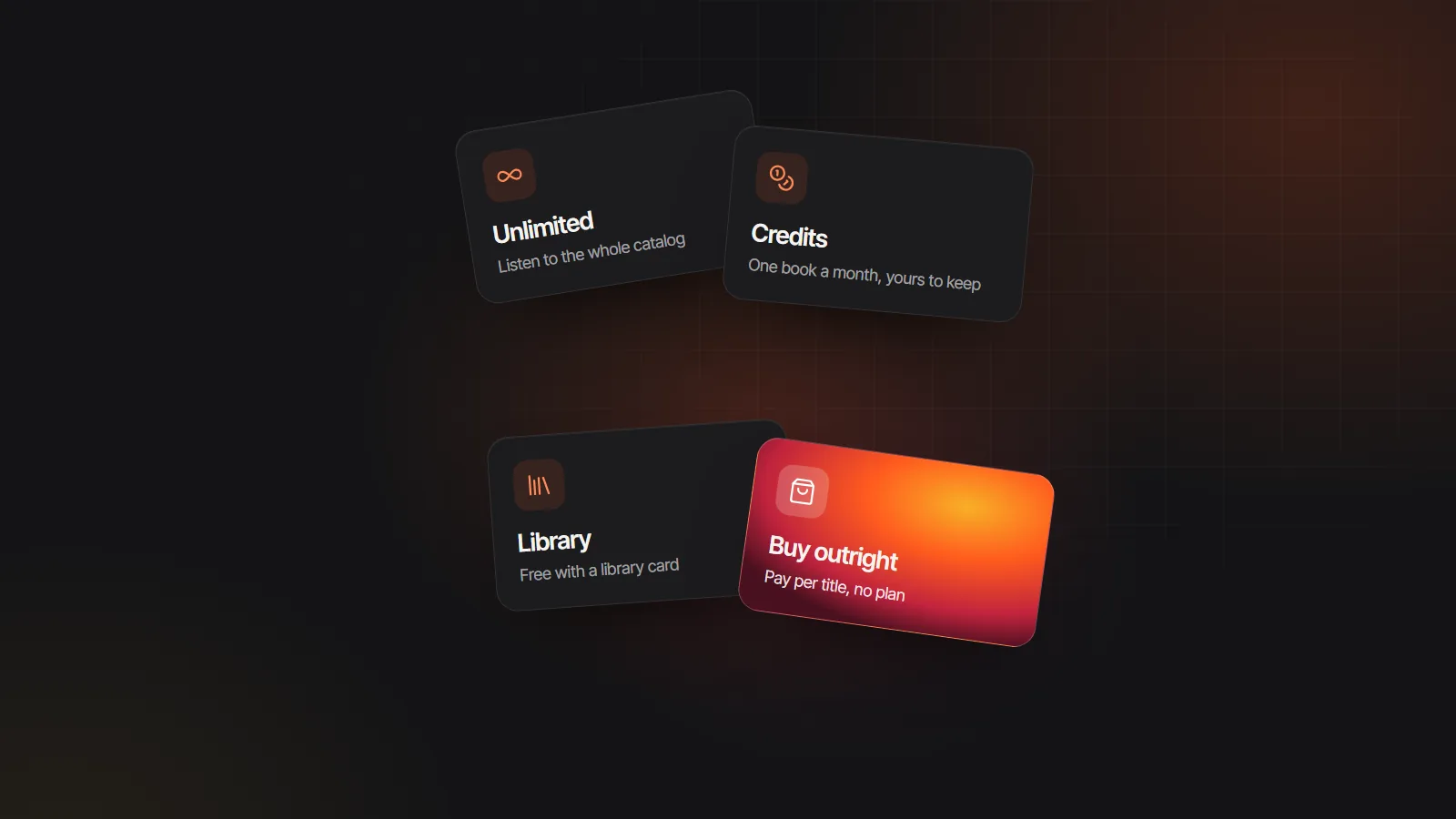 ListeningThe best Audible alternatives, by how you listenUnlimited apps, credit plans, free library loans and buying outright, compared for heavy, casual and budget listeners.Read
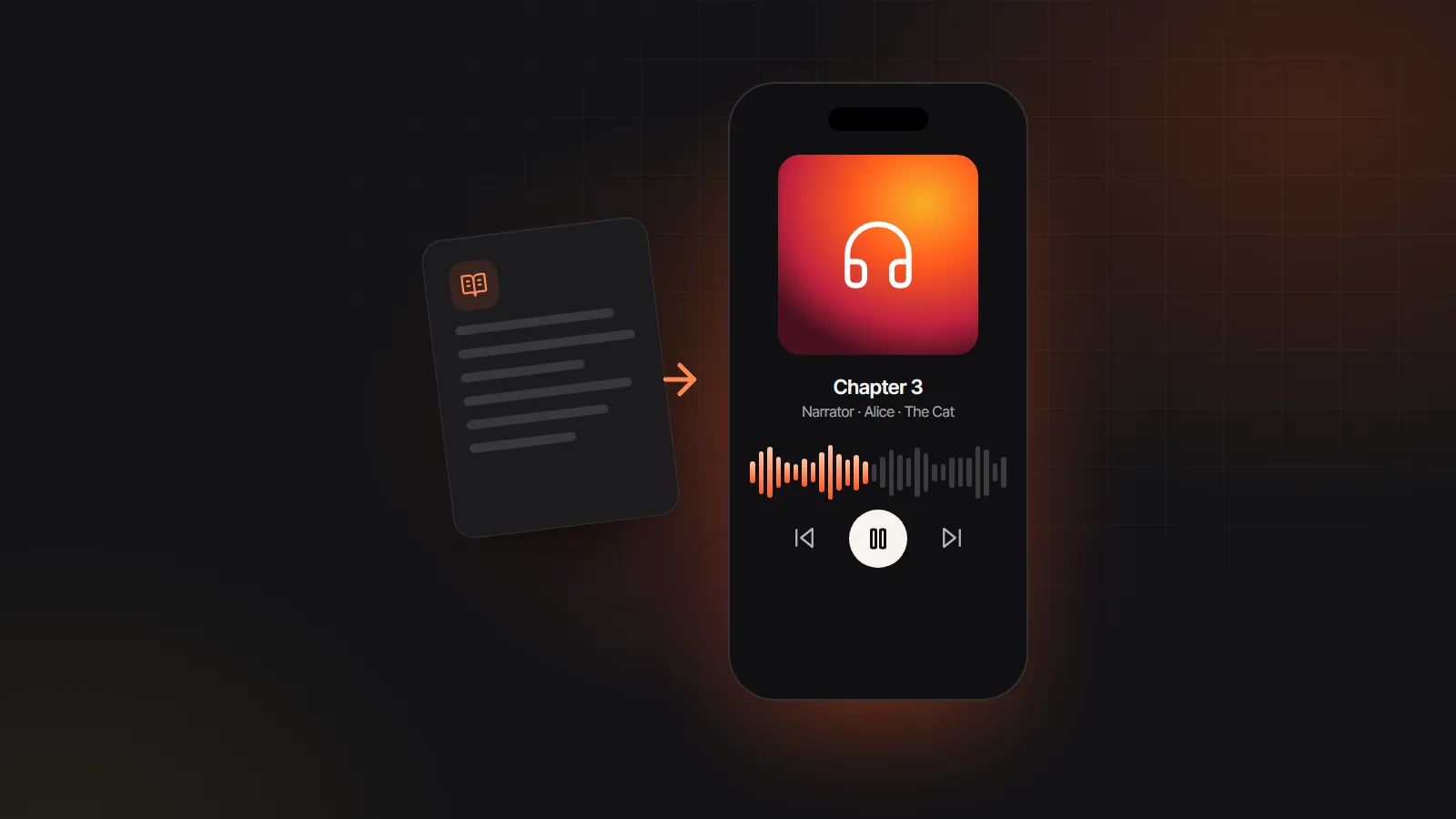 Making audiobooksApps that turn books into audiobooks, testedRead-aloud apps versus audiobook makers: which ones read your book, which ones give you a file, and which cast every character.Read
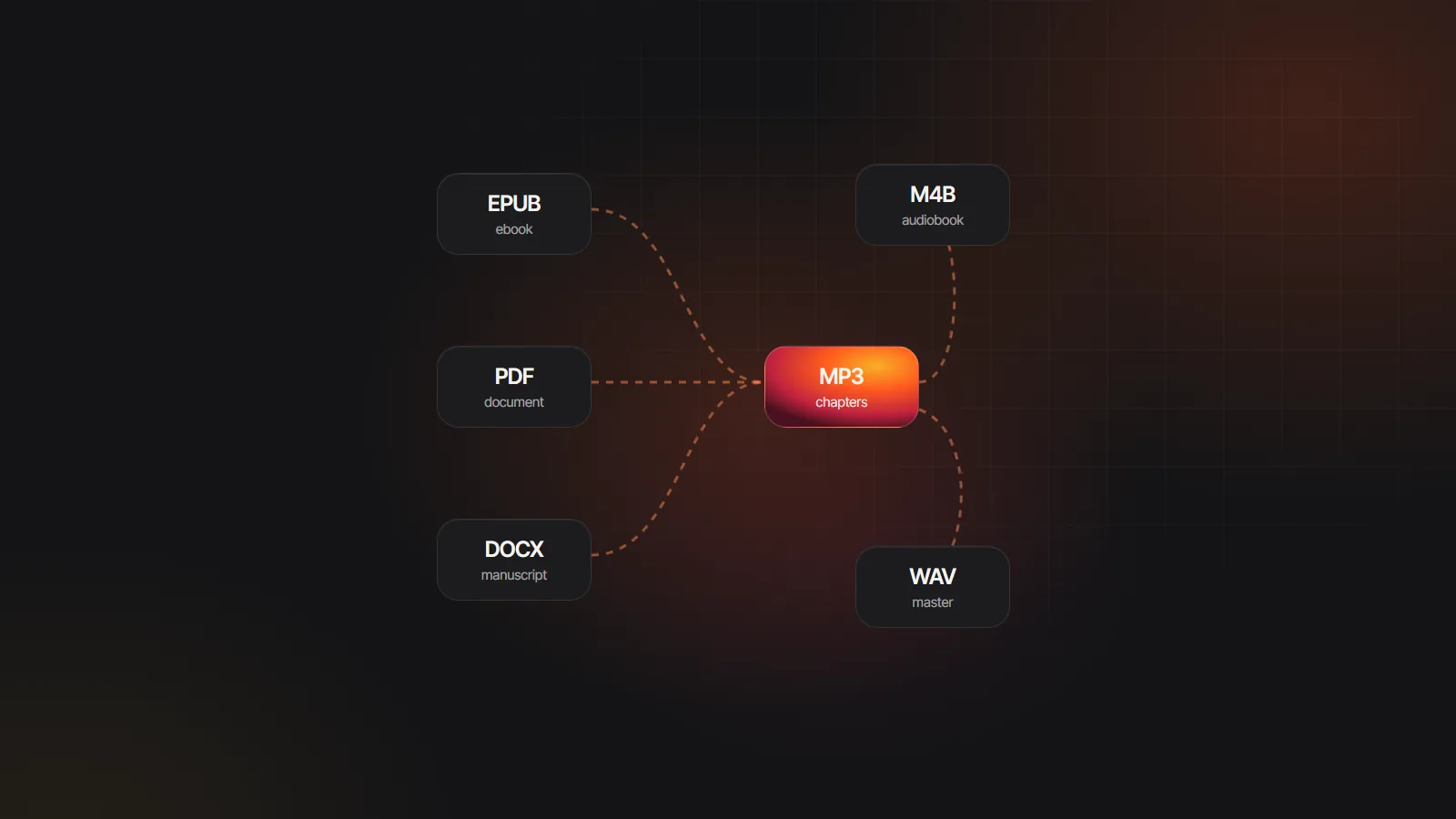 Tools & formatsAudiobook converter guide: every format change explainedEbook to audio, MP3 to M4B, M4B to MP3 and WAV to MP3: what each conversion does, what it costs in quality and which tool fits.Read
Yes, you can start free. Uploading an EPUB, seeing the chapters and the cast costs nothing, and a Google sign-up comes with free credits to generate a short sample with every voice. Longer books use credits from a paid plan.
Yes. Chapters come from the EPUB table of contents (the EPUB 3 nav document or the EPUB 2 NCX), and each one becomes a named chapter marker in the M4B or its own MP3 file.
No. The converter opens DRM-free EPUB files only and does not remove copy protection. Your own book exported as EPUB, public domain classics and DRM-free purchases all work.
Yes. The MP3 export gives you one file per chapter, or a ZIP of the whole book. The M4B export gives you a single file with chapter markers for audiobook apps. Both come from the same generated audio.
A narrator plus up to ten named characters, with an “Other voices” role for minor speakers. You can recast any role and reuse the same cast for every book in a series.
Yes. The converter runs in Safari, so you can upload an EPUB from the Files app, generate chapters and download the audio. M4B files open in Apple Books or BookPlayer.
The chapter list comes from the book’s own contents. If the publisher listed parts but not chapters, you get long parts; if a scene break is listed, you get short entries. You can generate chapters selectively in the studio.

Go from EPUB to audiobook in minutes: chapters, cast and a short sample using gift credits, no card needed.