
Vocal sounds, inline
[laugh], [sigh], [breathe] and [whisper] are performed where you place them, on the Standard, Lite and Expressive models.
Audio drama
Paste a scene or a whole episode into this AI audio drama generator and every character gets a voice of their own, with sighs, laughs and whispers placed exactly where you write them. Keep a narrator for scene-setting or cut it back to almost nothing, then export one file per scene, ready for your editor and your podcast feed.
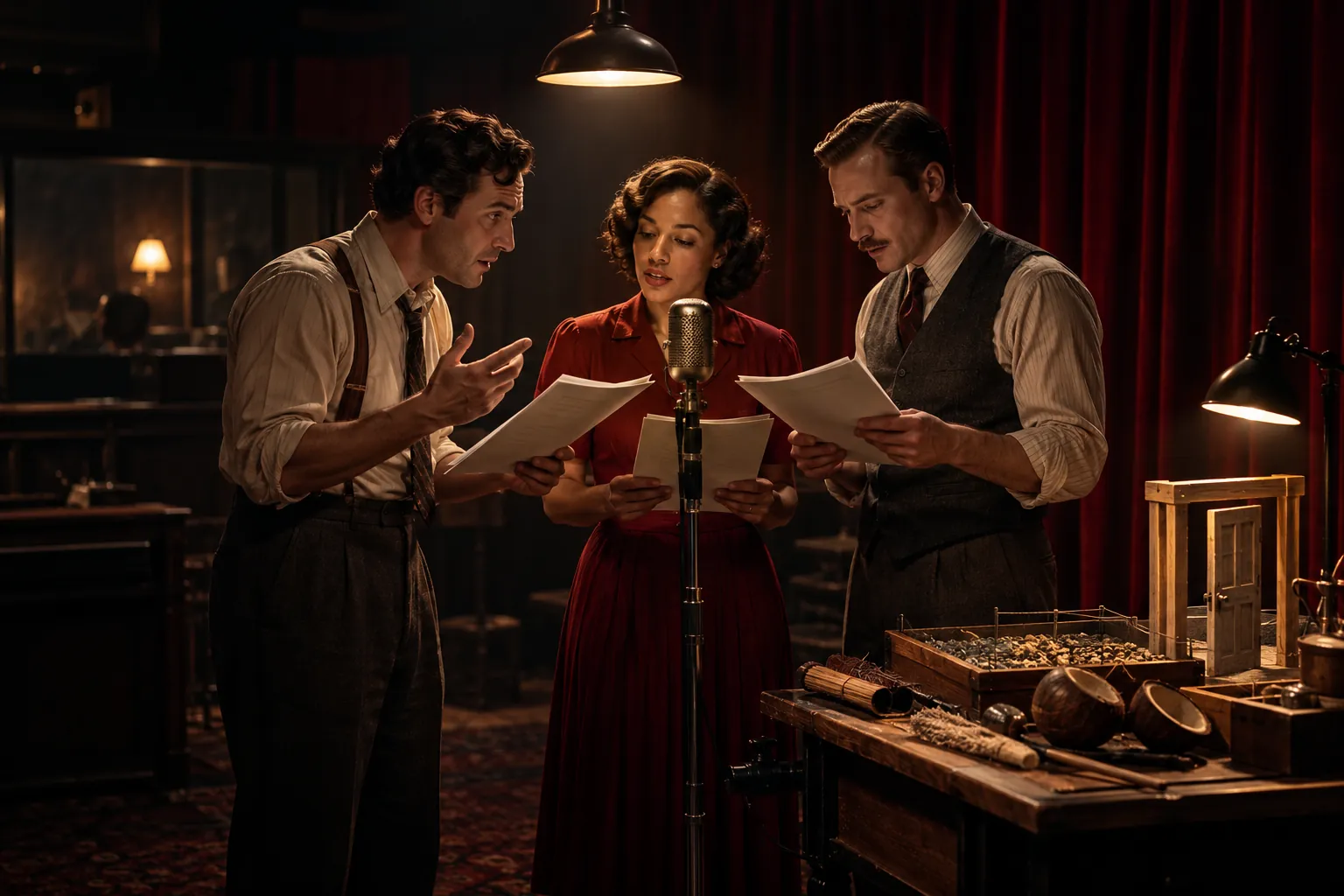
Paste the script the way you wrote it. Speaker names, parentheticals and stage directions are read the way a script means them, so only the scenes need a mark.
Start every scene with a heading such as “# Scene 3: The lighthouse”. Each one becomes its own chapter, and later its own audio file.
Write “MAYA: Only four?” or put a MAYA cue above the speech, screenplay style. The name picks the voice and is never read aloud.
A parenthetical such as MAYA (barely holding it together): becomes the direction for that speech. Add [laugh], [sigh] or [breathe] inside the line.
Check the cast, preview the key lines, generate the episode and download an MP3 per scene, a ZIP of every file or a single M4B.
Most script elements work as written. Here is what happens to each one when you paste.
| In your script | What to change | What you hear |
|---|---|---|
| Scene heading | Add a line such as # Scene 2: The kitchen | A new chapter and a separate file; a slugline like INT. KITCHEN is read by the narrator |
| MAYA: line, or a MAYA cue above the speech | Nothing | Maya’s voice; the name itself is not read |
| (whispering) | Keep it after the name or under the cue | A whispered delivery for that speech |
| Laughs or sighs mid-line | Fine. [sigh] Fine. | A real sigh in the middle of the line |
| Stage direction on its own line | Keep it, or cut it for pure drama | The narrator, or nothing |
| SFX: thunder | Cut it and note it for the edit | Silence, ready for your effect |
Brackets and sound tags are performed by the Standard, Lite and Expressive models. Our AI voice emotion tags page lists the tags and what each one does.
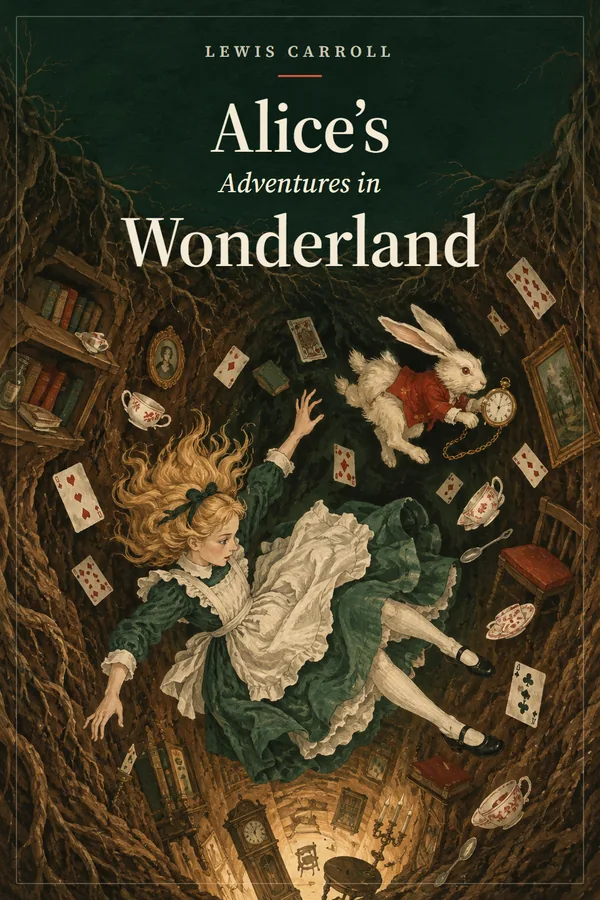
Real output from voices you can cast: a scene with a narrator and two characters, a quick-fire conversation between two speakers, a line full of sound tags and a soft bedtime read.

Full-cast AI audiobook
Transcript
Playlist
Narrated drama. The narrator reads the tags and short scene-setting lines between speeches, like a full-cast audiobook with the descriptions trimmed. It is the quickest route from prose fiction and suits horror anthologies and serialized mysteries, where a host voice is part of the format.
Pure drama. For a script with no narrator, keep the speaker names and cut the stage directions. Names before a colon or above a speech pick the voice and are never read, so the scene is all dialogue from the first line. A role written “GUARD.” in one scene and tagged “said the Guard” in another stays one character. Move any stray line to the right voice from its speaker menu.
Somewhere in between. Many fiction podcasts keep a narrator only at the top of each scene. Write one line of scene-setting under each heading and let the characters carry the rest.
Voices, breaths and reactions come from the speech models. Effects, music and room tone come from your editor.
[laugh], [sigh], [breathe] and [whisper] are performed where you place them, on the Standard, Lite and Expressive models.
A note such as [furious, through clenched teeth] at the start of a line changes the read. The Expressive model gives the strongest emotional range.
Each scene exports as its own MP3, so you can lay them on a timeline in Audacity, Reaper or any editor and add effects between lines.
There are no built-in sound effects, ambience or music. Add licensed or original effects in your editor after export.
Change one word or one direction and regenerate that line only. The rest of the scene keeps its timing.
For a drama that needs no mixing, export one M4B with a chapter marker per scene, or a ZIP of every scene plus a chapters index.
Play a line to hear inline tags performed, with each word lit up as it is spoken. These are the moments that make a scene feel recorded rather than read.
Nate
excited delivery
[say excitedly, like sharing big news with a friend]
Guess what? We actually did it. [laugh] The whole thing launches tomorrow morning!
Luna
whisper delivery
[in a hushed, breathy whisper, like sharing a secret in the dark]
Come closer. [breathe] I'll tell you where the old lighthouse keeper hid the key.
Rupert
anchor delivery
[say like a confident, authoritative news anchor, crisp and measured, stressing the key words]
Markets opened higher this morning, as investors welcomed news of a long-awaited trade agreement.

Nadia
ad delivery
[say warmly and cheerfully like an upbeat radio ad, smiling through every word]
Fresh bread, real coffee, and a table by the window. Your morning starts at Rosie's Corner Bakery.
Mostly, yes. Lines such as “MAYA: Only four?”, screenplay cues with the speech underneath and parentheticals like (quietly) are cast automatically, and stage directions on their own line go to the narrator. Add a # heading above each scene so it becomes its own chapter, and cut SFX lines, which would otherwise be voiced as a character.
No. It performs voices plus vocal sounds such as [laugh], [sigh], [breathe] and [whisper]. Effects, ambience and music are added afterwards in an audio editor, which is easy because every scene exports as a separate MP3.
Each project holds a narrator plus up to ten named characters, with an “Other voices” role for walk-ons. For a large ensemble, split the season into projects and reuse the main cast in each, so the regulars keep their voices.
Yes. Keep the speaker names and cut the stage directions, and every line goes to a character voice, since the names themselves are not read. If you like a host, keep a one-line narrator intro per scene, which many fiction podcasts do anyway.
Yes, if you own the script or it is in the public domain where you publish. You own the audio you generate. Some podcast platforms ask creators to label AI-generated audio, so check their current rules. Start with a free short excerpt in the AI audiobook generator.

Paste one scene into the AI audio drama generator and hear every character, free for a short sample.