
Numbered file names
Each MP3 starts with its chapter number, such as “03 The Harbour”, so the files play in order on any device or USB stick.
For readers, families and volunteers
Talking book libraries cover a lot, but not your grandfather’s memoir, the parish bulletin or the indie novel your book club picked. Make audiobooks for visually impaired readers from texts like these yourself: a clear narrator, a different voice for each speaker, and files that play on a phone, a computer or a simple MP3 player.
EPUB, PDF, DOCX, TXT or MD · up to 30 MB
Read in your browser. Nothing is uploaded until you generate
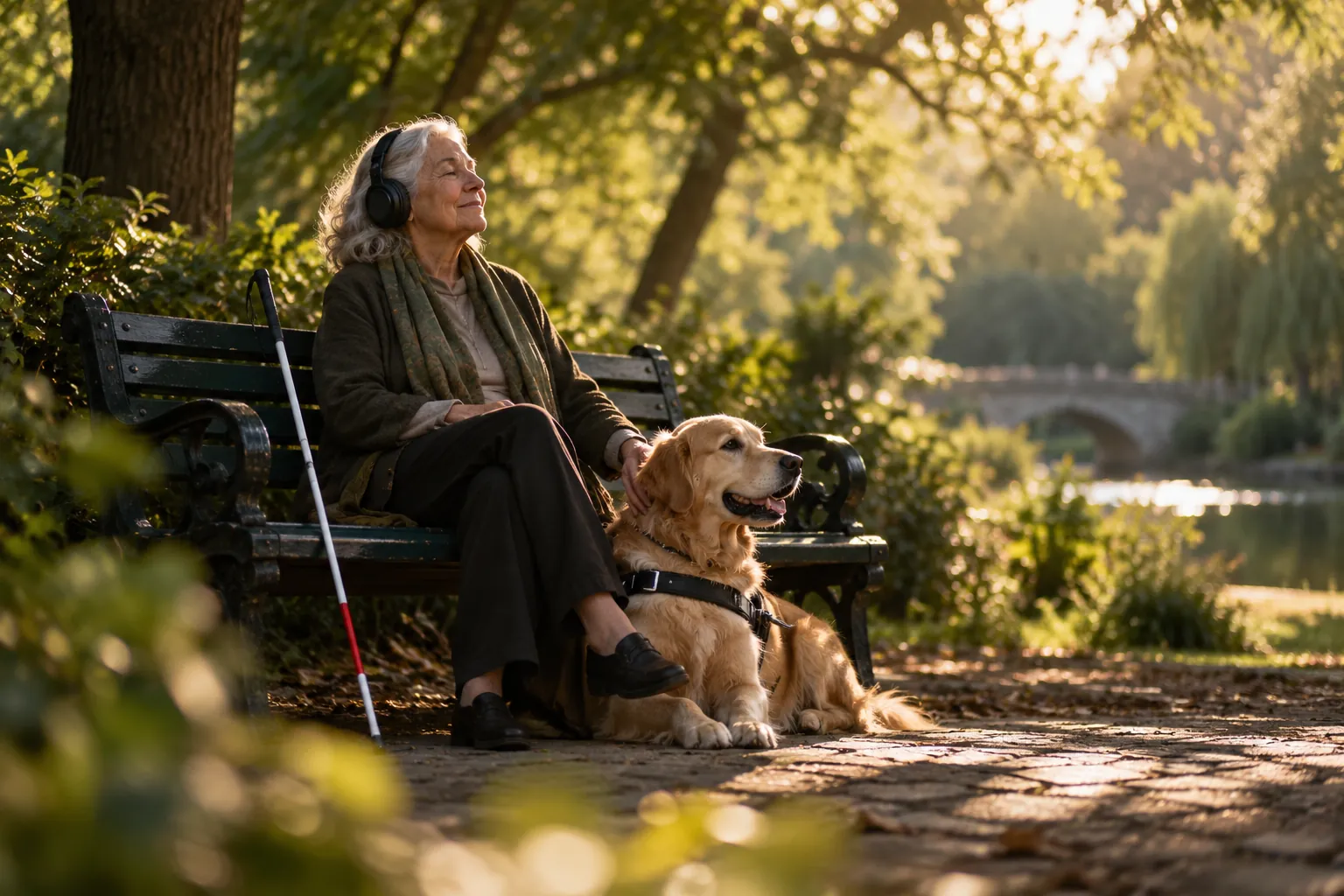
Free services for blind and print-disabled readers, such as the National Library Service in the United States, RNIB Reading Services in the UK and Bookshare in many countries, hold large collections, often read by people. Eligibility rules differ, so check with each one. This studio is for the texts they do not have.
Use a DRM-free EPUB, a Word file, a PDF with selectable text, or a TXT or Markdown file up to 30 MB. Photos and scans cannot be read, because there is no OCR.
Audition a few voices on the opening page. For long listening, an even, unhurried voice is usually easiest on the ear.
Chapters come from the EPUB contents, Word headings or lines like “Chapter 3”. Give them plain names, since those names become chapter markers and file names.
Download numbered MP3s, one per chapter, a ZIP of the whole book, or a single M4B with chapter markers, a title and a cover.
A listener who cannot see the screen needs files that sort, play and resume without fuss.
Each MP3 starts with its chapter number, such as “03 The Harbour”, so the files play in order on any device or USB stick.
An M4B holds the whole book, with named chapter markers that audiobook apps let you jump between.
Voices read at about 150 to 160 words per minute, and most players can slow that down or speed it up.
In a novel, each quoted speaker gets a voice of their own, so a conversation is easy to follow by ear alone.
The files live on the device. No streaming, no account and no app login are needed to listen.
Say a place name comes out wrong: change its spelling in that one line, regenerate it, and export again.
Match the export to the device the listener already knows. Check the specific app or player, since features vary by model and version.
| Listener’s device | Best export | Why |
|---|---|---|
| iPhone or iPad | M4B in Apple Books or BookPlayer | Chapter navigation and a remembered position |
| Android phone | M4B in an audiobook app, or MP3s | Pick whichever app the listener already uses |
| Simple MP3 player or USB stick | Numbered MP3 per chapter | Plays in order with basic buttons |
| Talking book player | MP3s, if the model supports them | Many play MP3 from a card or stick |
| Computer | Either | Any media player opens both |
More on players in how to play M4B files, and on the two formats in M4B vs MP3.
Play a sample or two. For accessible audiobooks, clear and even usually beats dramatic.

Full-cast AI audiobook



Transcript
Playlist
The Velveteen Rabbit.m4b
6 chapters · 41 min · chapter markers
Line 48 regenerated, the rest of chapter 3 kept as is
The MP3 export gives one file per chapter. The ZIP bundles every chapter file with a chapters index, which is handy for copying a whole book onto a USB stick or a memory card in one go.
The M4B export is built in your browser and puts the whole book in one file with named chapter markers, the title, the author and a cover. Audiobook apps on phones remember where the listener stopped. To merge MP3s you already have, the free MP3 to M4B converter does it in your browser.
Families. A memoir, a box of letters, the recipes in a grandmother’s handwriting once someone types them up, the family newsletter. If a relative wrote it, ask them first; most are delighted. Upload a Word file and the narration is ready the same day.
Teachers of students with visual impairments. Class handouts and teacher-written materials can become audio before the lesson. The classroom read aloud page covers lesson files and rights for school texts.
Volunteers and reading groups. Book clubs and community groups can make audio of local publications, newsletters and DRM-free books whose authors agree. Do not share copies of copyrighted books, even with good intentions; point members to their talking book service instead.
Using the studio yourself. The studio runs in a standard web browser, so your usual zoom, contrast and screen reader settings apply. It has not been formally certified for accessibility, and some steps, such as auditioning voices, may be quicker with a sighted helper the first time.
Cost and privacy. A 75,000 word novel is about eight hours of audio, roughly $75 to $95 with Standard voices. Importing and casting are free, and signing up with Google gets you 100 gift credits (valid for 7 days, about 12 minutes on Standard; usage varies by text and voice tier) for a short sample in the AI audiobook generator. Only the lines you generate are sent to the speech model, and nothing is used to train AI models.
No, use both. Talking book services are free for eligible readers and carry many thousands of titles, many narrated by people. Make audiobooks for visually impaired readers here when a text is not in those collections: family writing, local publications, newsletters and DRM-free books.
The studio is an ordinary web page with standard buttons and menus, so screen reader and keyboard users can try it with their usual setup. It has not been formally certified for accessibility, and some steps may be easier with a sighted helper the first time.
No. Images are left out of the audio, and in EPUB files their captions are read as text. If a picture matters, write a short description into the text or caption before you upload, and the narrator will read it.
Copy the numbered chapter MP3s onto a USB stick or a simple MP3 player; they play in order with basic buttons. If they use a phone, load the M4B into an audiobook app they already know, so there is nothing new to learn.
No. Exports are MP3 files, a ZIP of chapter MP3s and M4B audiobooks. Many talking book players can also play MP3 from a card or stick, so check the manual for the listener’s model.

Upload a text and make audiobooks for visually impaired readers free for a short sample, no card needed.